The MotionRepo blog.
Launch videos, walkthroughs and docs, made from code. Short answers first.
Start here
Launch videos
How to make a launch video from a GitHub repository
Five steps from code to a video you can post, and what each one decides.
4 min read · 22 October 2026
Read the guide01 / 05
Launch videos
Teasers for launches, release notes and social posts. 5 posts
4 min read
What is a launch teaser? Length, structure and when to use one
A launch teaser is a 15 to 25 second video that says what shipped and why it matters. Its length, its four-part structure, and when to use one.
Read
3 min read
How to turn release notes into a short video
Turn this week’s release notes into a 20-second clip for the changelog and social posts: what to show, which format to use, and how to write the direction.
Read
3 min read
Launch video checklist: 10 things to check before you post
Ten checks to run on a launch video before you post it: the hook, readable text, the real product, sound, format, poster frame, share copy and language.
Read
3 min read
Landscape, vertical or square: which format should a launch video use?
Landscape 1920×1080, vertical 1080×1920 or square 1080×1080: where each video format belongs, what changes in the layout, and how to choose one for a launch.
Read
02 / 05
Walkthroughs and demos
Longer tours of a product: length, script, voice and language. 5 posts
3 min read
What is a motion walkthrough?
A motion walkthrough is a designed, scene-by-scene tour of a product built from its code, 30 seconds to 3 minutes long. What it contains and when to use one.
Read
3 min read
How long should a product demo video be?
Choose a demo video length by where it will play and who is watching: 30 seconds for a quick look, 2 to 3 minutes for a full tour. Lengths, limits and credits.
Read
3 min read
Screen recording vs motion walkthrough: which should you make?
Screen recording or designed motion walkthrough? A fair comparison of pace, readability, updates, voice and effort, and when each kind of product video wins.
Read
3 min read
AI voiceover for product videos: voices, timing and when to skip it
How AI voiceover works in MotionRepo product videos: five English voices, 39 more languages, scenes timed to the voice, and when to go without a voice.
Read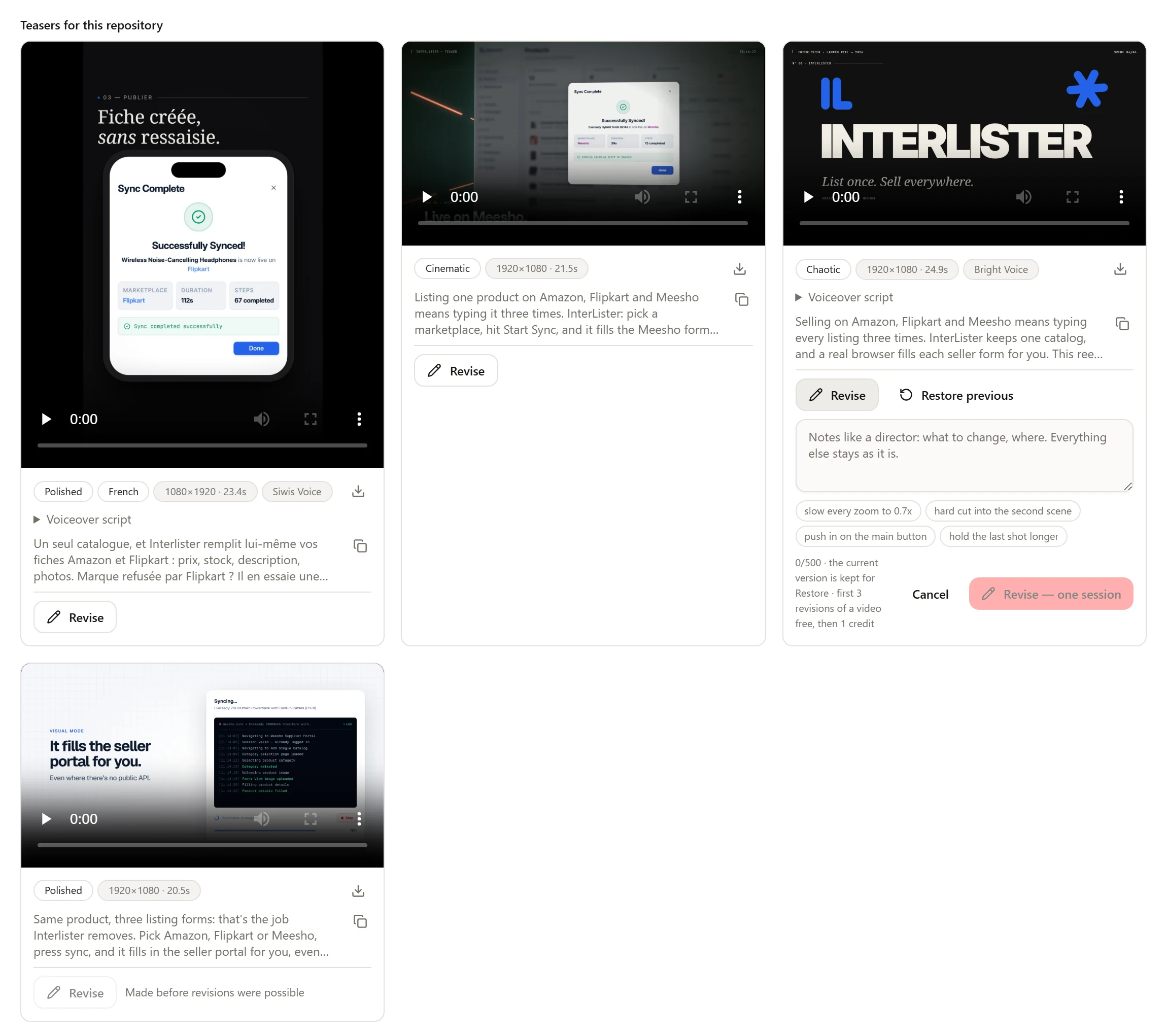
3 min read
How to make product videos in other languages
Make launch teasers and walkthroughs in 40 languages, written natively, with on-screen text and voice in the language and English under each line to check it.
Read
03 / 05
Sales and technical docs
Documents written from the code, and keeping them current. 5 posts
4 min read
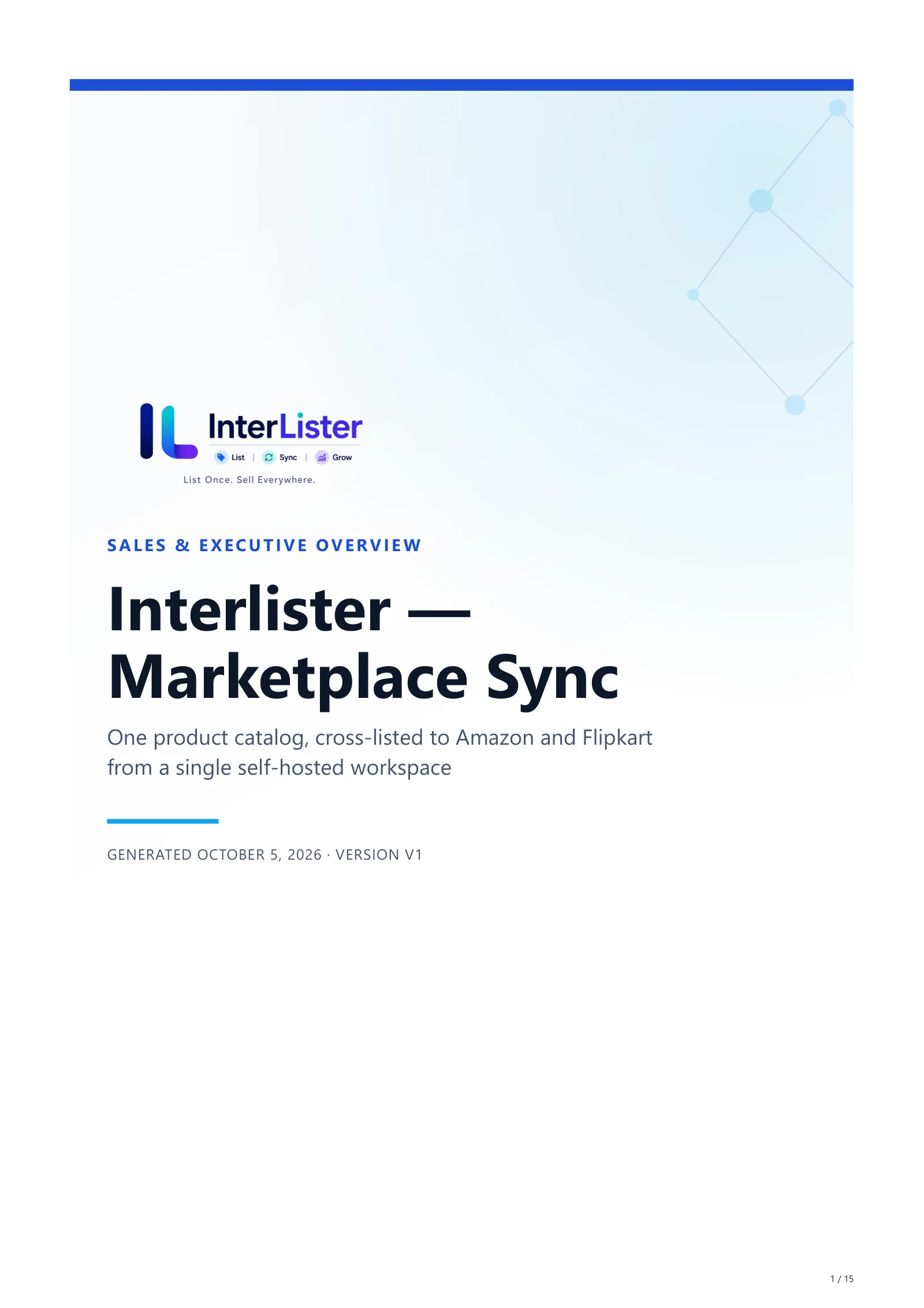
Sales collateral written from your code
What a sales PDF written from the repository contains, why limitations and unshipped work are left out before the AI writes it, and why it beats a one-pager.
Read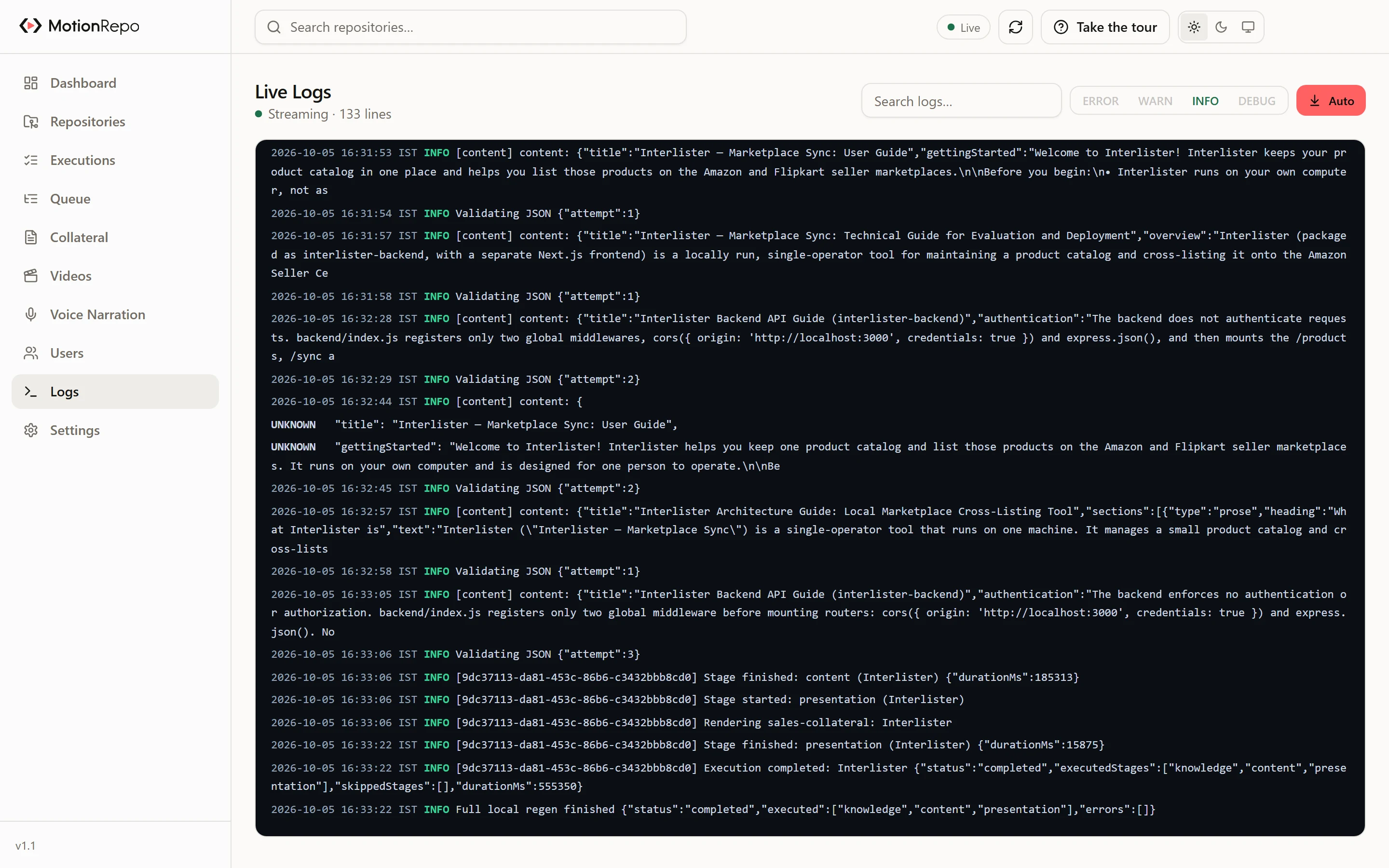
3 min read
Technical documentation, written from the repository
How MotionRepo writes a technical PDF from a GitHub repository: architecture, API, data flow, testing, deployment and known issues, for onboarding and handover.
Read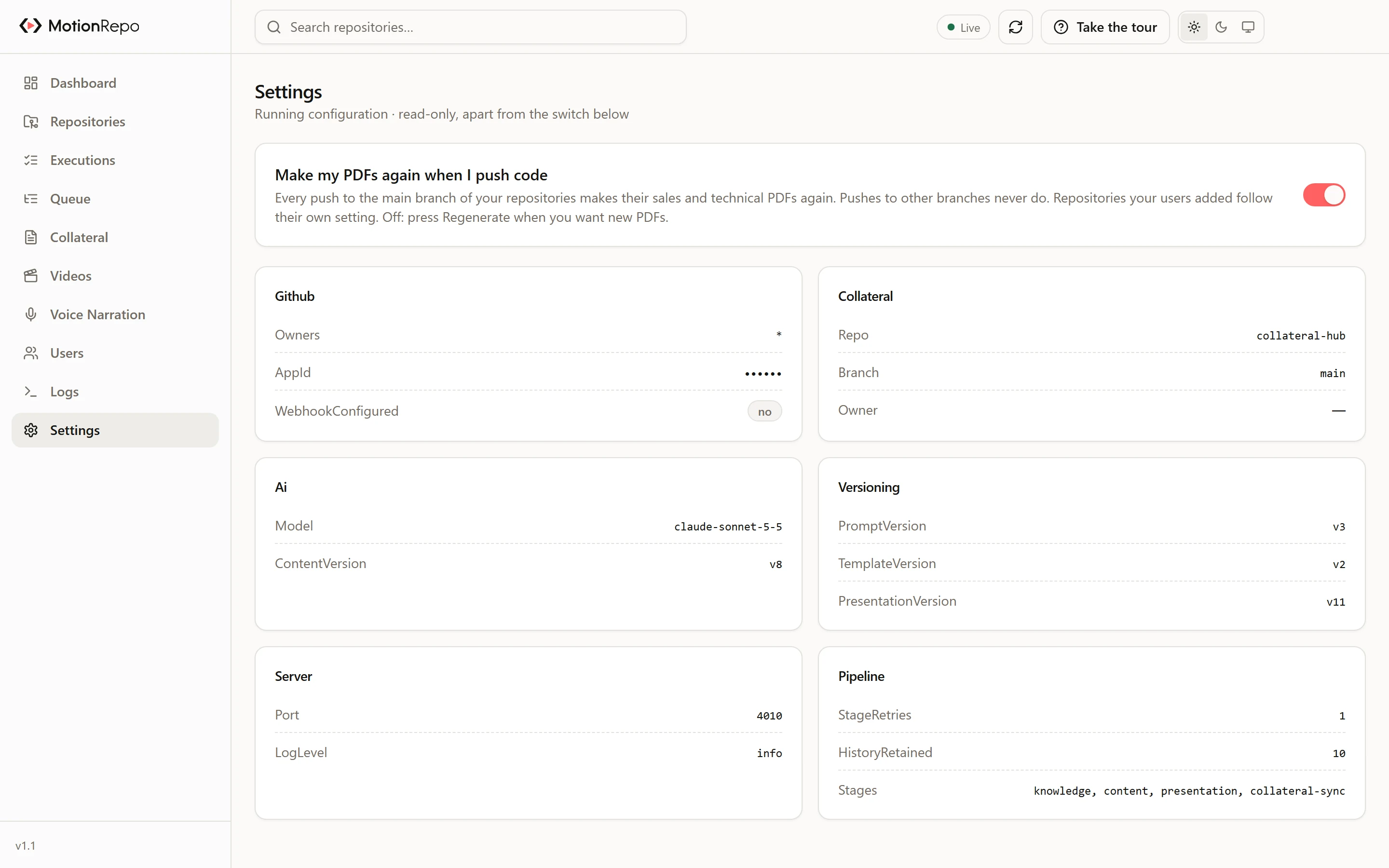
3 min read
How to keep sales docs up to date
Sales docs go stale. How MotionRepo writes the sales and technical PDFs again from the code: one click, or on every push to main on Starter and Pro.
Read
3 min read
Developer onboarding documentation: what to include
What developer onboarding docs should cover, from the system’s shape to running it locally, and how a technical PDF from the code gives new hires a head start.
Read
3 min read
Sales PDF or technical PDF: which one to send
The sales PDF is for buyers, the technical PDF is for builders. What each contains, what each leaves out, a side-by-side table, and when to send which one.
Read
04 / 05
Workflow and teams
Tones, brand, feedback and who uses launch content. 5 posts
4 min read
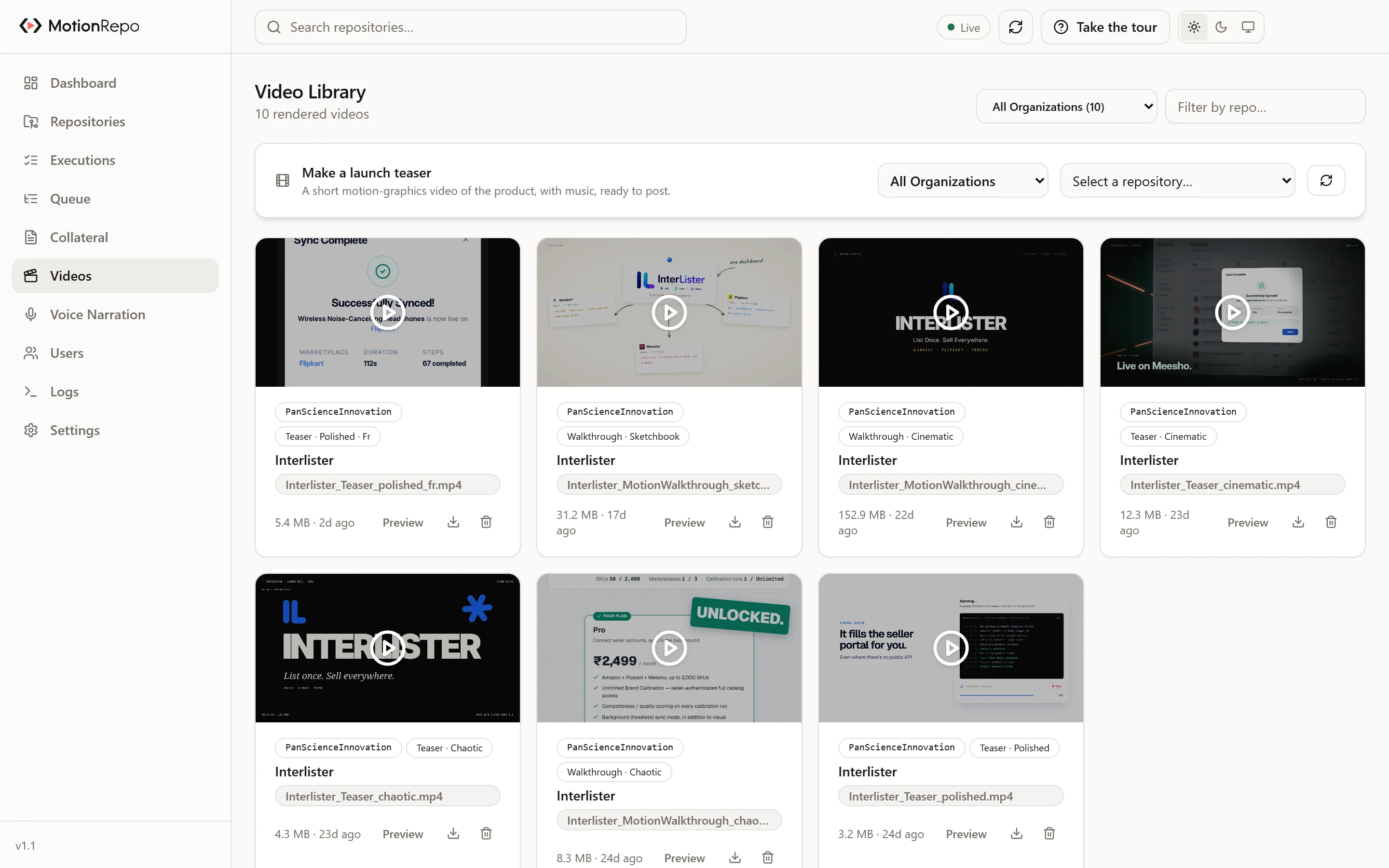
Choosing a video tone: 14 styles and when to use each
The 14 MotionRepo video tones, from Polished and Cinematic to Sketchbook and UI morph: what each feels like, and which to pick for a launch, a demo or a post.
Read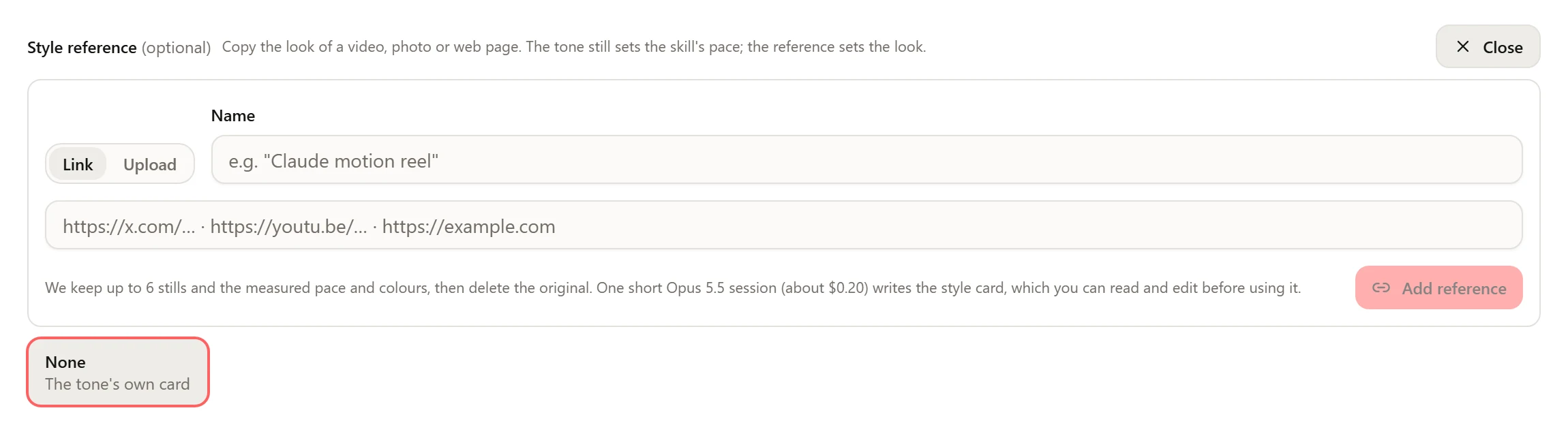
3 min read
How to match your brand with style references
Give MotionRepo a link, photo or video whose look you want and it follows it instead of a preset tone. What it keeps, what it deletes, and how to choose one.
Read
3 min read
How to give feedback on an AI-made video
Write revision notes an AI can act on: specific, tied to a moment, one change per sentence. How MotionRepo edits the same video and keeps the previous one.
Read
3 min read
How much does a launch video cost?
What a launch teaser, a walkthrough and the PDFs cost in MotionRepo credits, what each plan includes, what is free, and when credits are given back.
Read
3 min read
A launch kit for every client: how agencies use MotionRepo
Agencies can hand a client the launch kit with the code: a teaser, a walkthrough, a sales PDF and a technical PDF, each made from the client’s repository.
Read
05 / 05
Under the hood
How MotionRepo makes and checks what it makes, and where your code goes. 5 posts
3 min read
How AI turns a codebase into a video
From a copy of the repository to a finished video: how MotionRepo reads the code, plans scenes, draws every frame from time, records the voice and checks it.
Read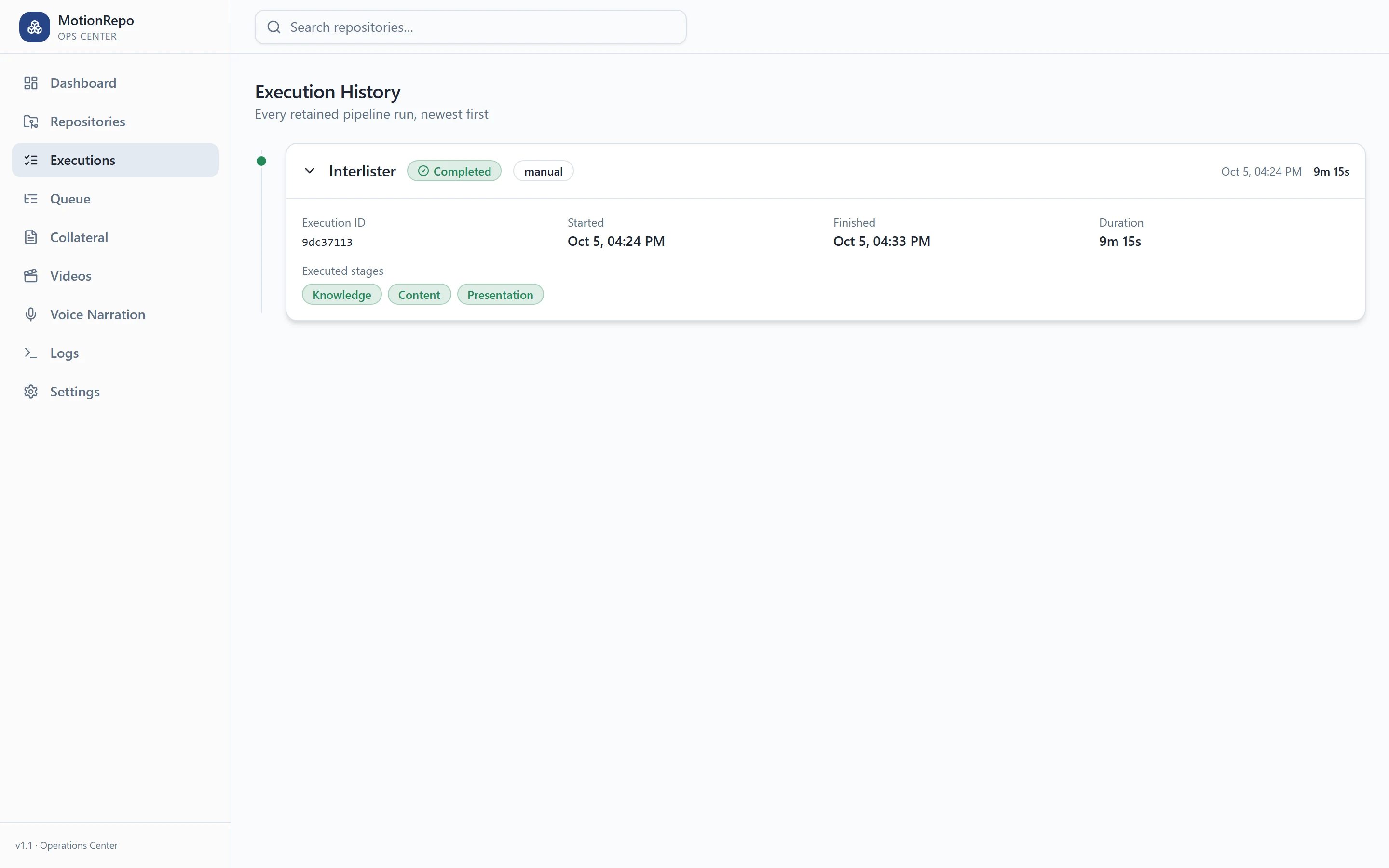
3 min read
Quality checks for AI-generated video
What MotionRepo measures before a video is published: size, length, sound, black frames and voice timing, plus a check that reads what the video says.
Read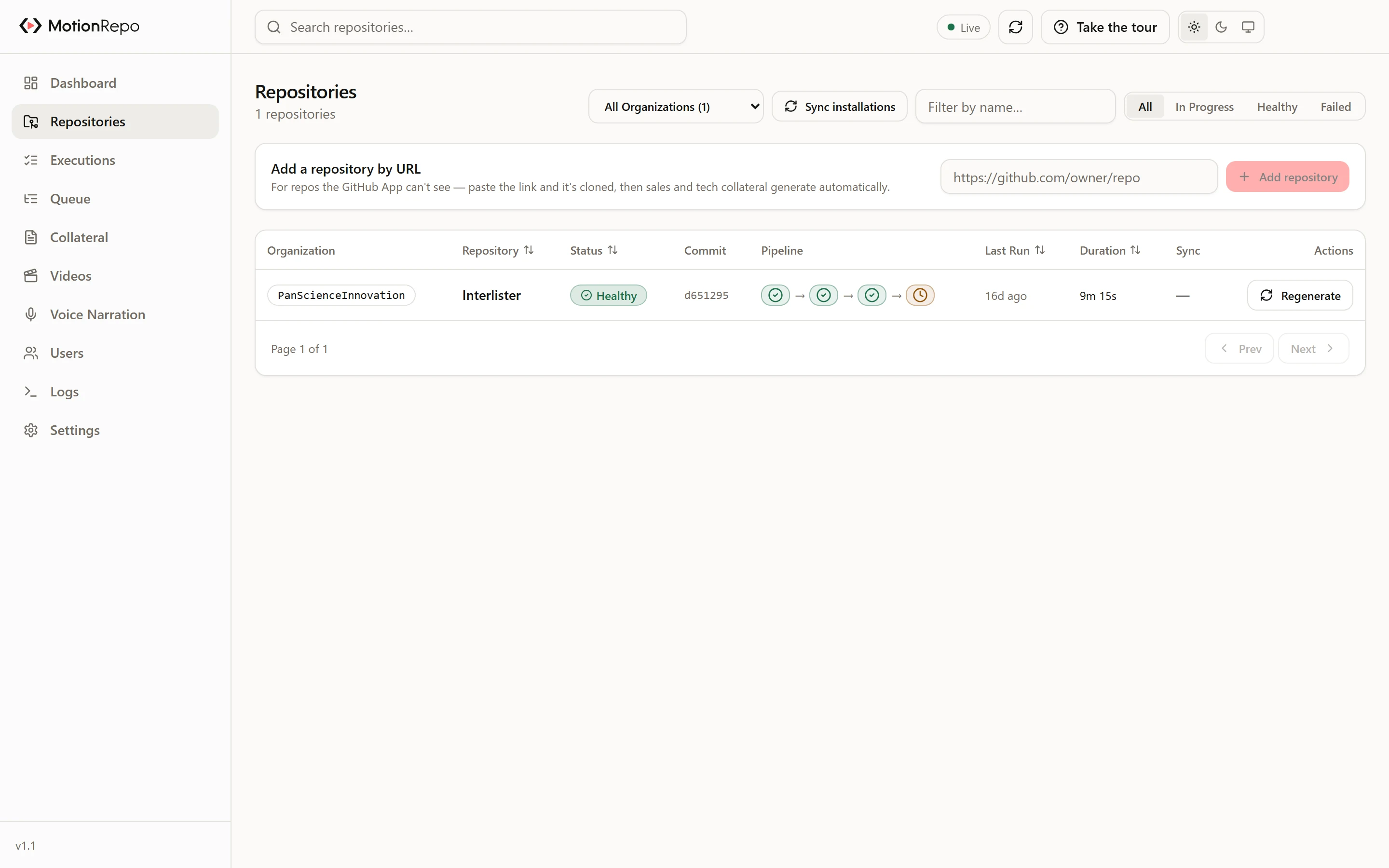
3 min read
Is it safe to let AI read your code?
Four questions to ask any AI tool before it reads your repository, what is sent, kept, seen and written, answered plainly for MotionRepo, limits included.
Read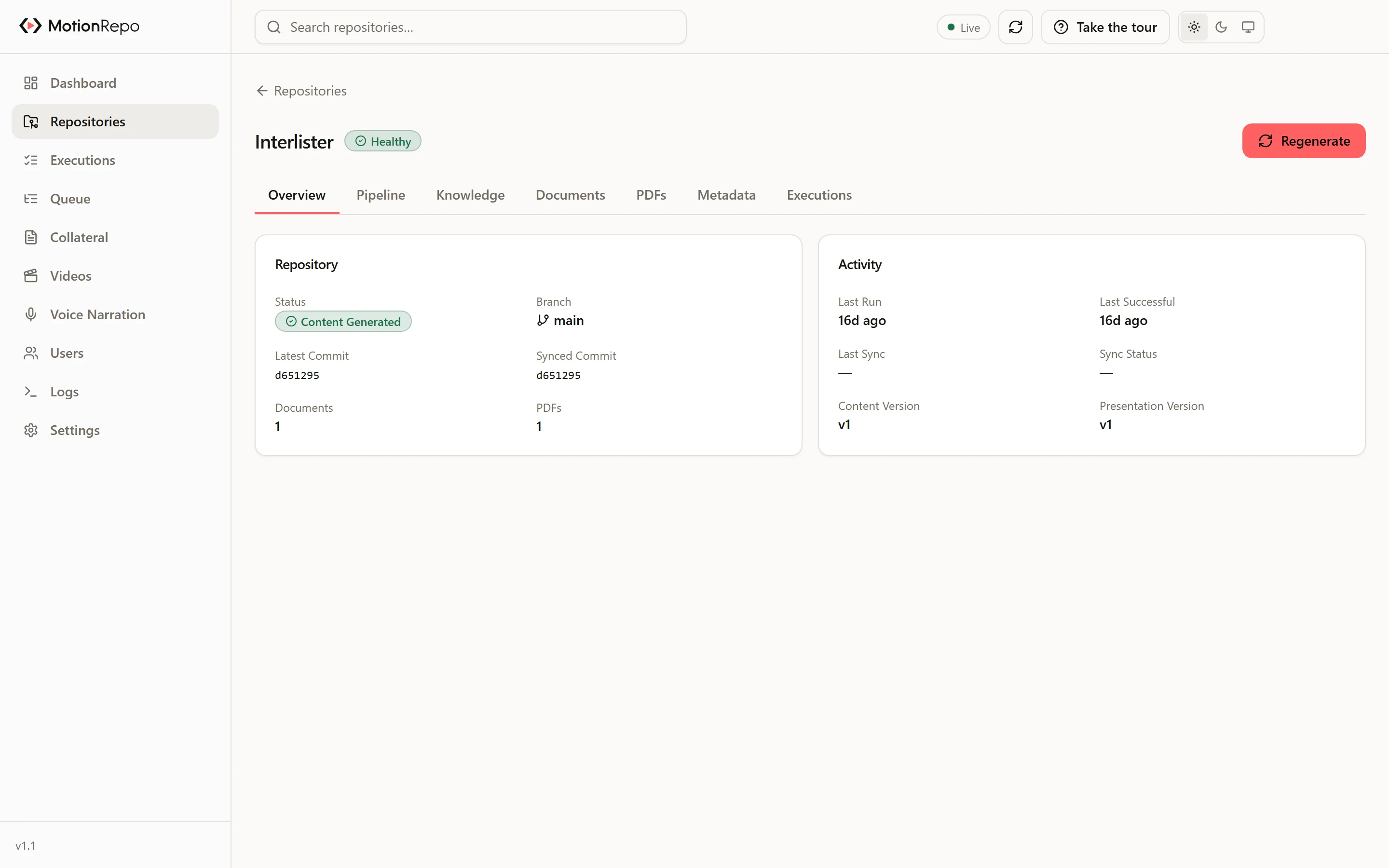
3 min read
Read-only GitHub App access, explained
Why MotionRepo reaches repositories through a GitHub App you install, with a short-lived token per run, instead of a personal token, and what it never does.
Read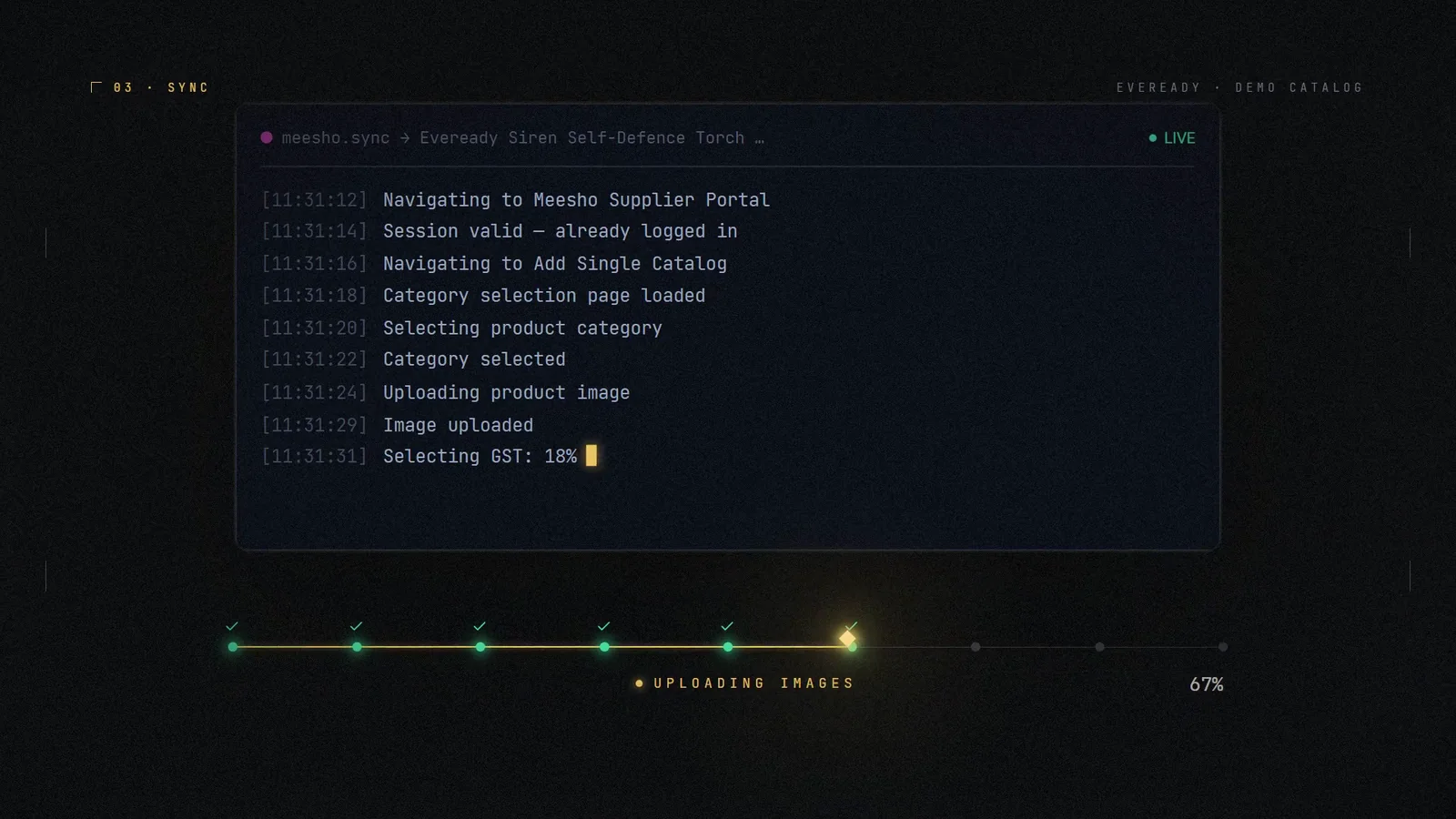
3 min read
Self-hosting MotionRepo on your own servers
Run MotionRepo on your own servers under a license: what you need, how the AI work is paid for, where repositories go, and how it differs from hosted plans.
Read
Reading is good. Seeing your own repo is better.
Connect GitHub, pick a repository, and get a teaser, a walkthrough and both PDFs. Free for 14 days.