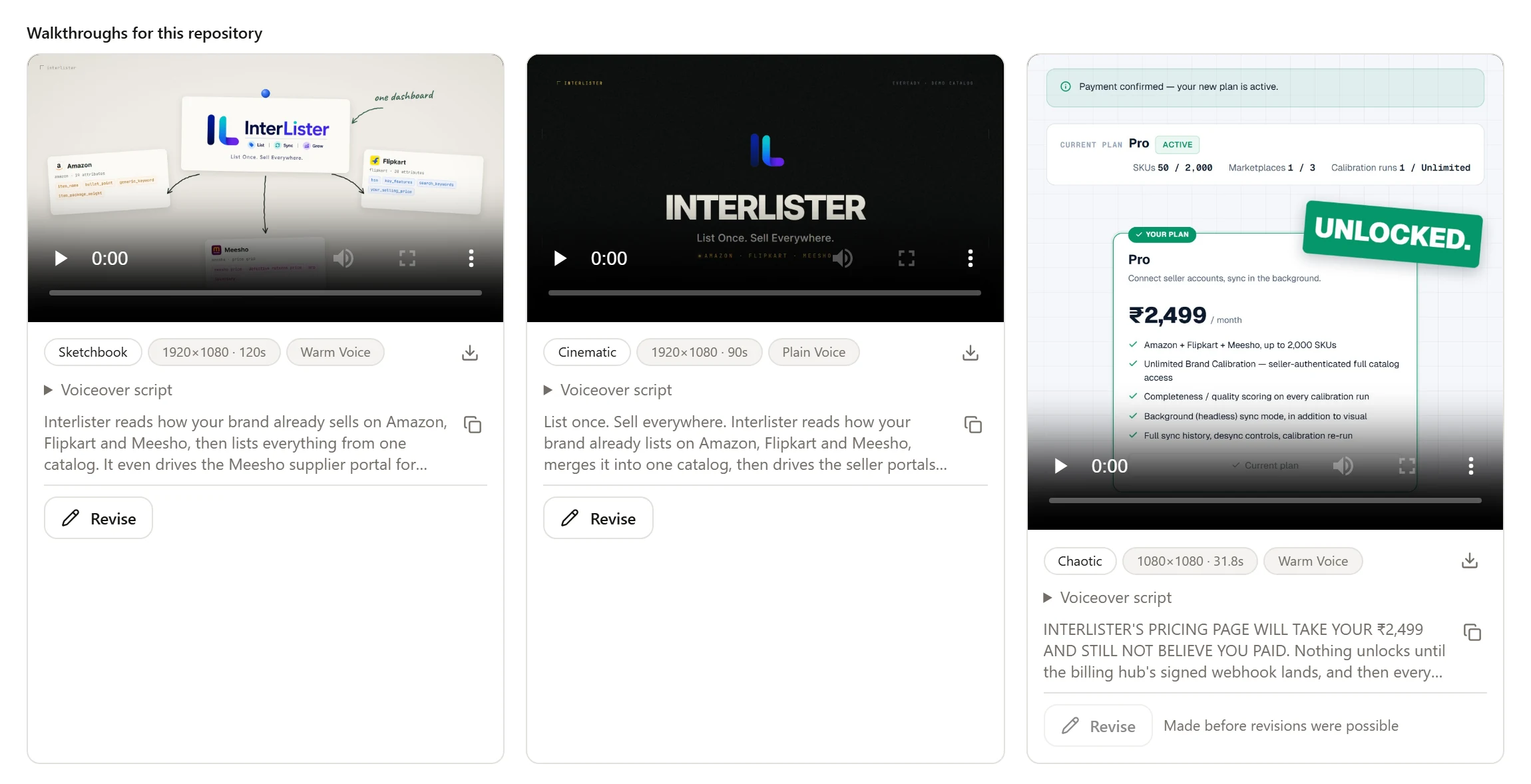
Short answer
A motion walkthrough is a product tour made as motion graphics instead of a screen recording. It is built from the product’s own code, screens and copy, and shows one feature at a time, scene by scene. With MotionRepo it can be 30, 60, 90, 120 or 180 seconds long, with or without a voice.
Key points
- A motion walkthrough is designed scene by scene, not filmed from a live screen.
- It is built from the repository: the real screens, components, colors and words of the product.
- MotionRepo makes them at 30, 60, 90, 120 or 180 seconds, from any branch.
- The usual shape is a hook, what the product is, one chapter per feature, and an outro.
01
What makes a walkthrough a motion walkthrough?
A product walkthrough shows how something works. Most are screen recordings: someone clicks through the app while a recorder runs. A motion walkthrough tells the same story as designed motion graphics. Every frame is planned: what appears, in what order, how long it stays on screen and how one scene hands over to the next.
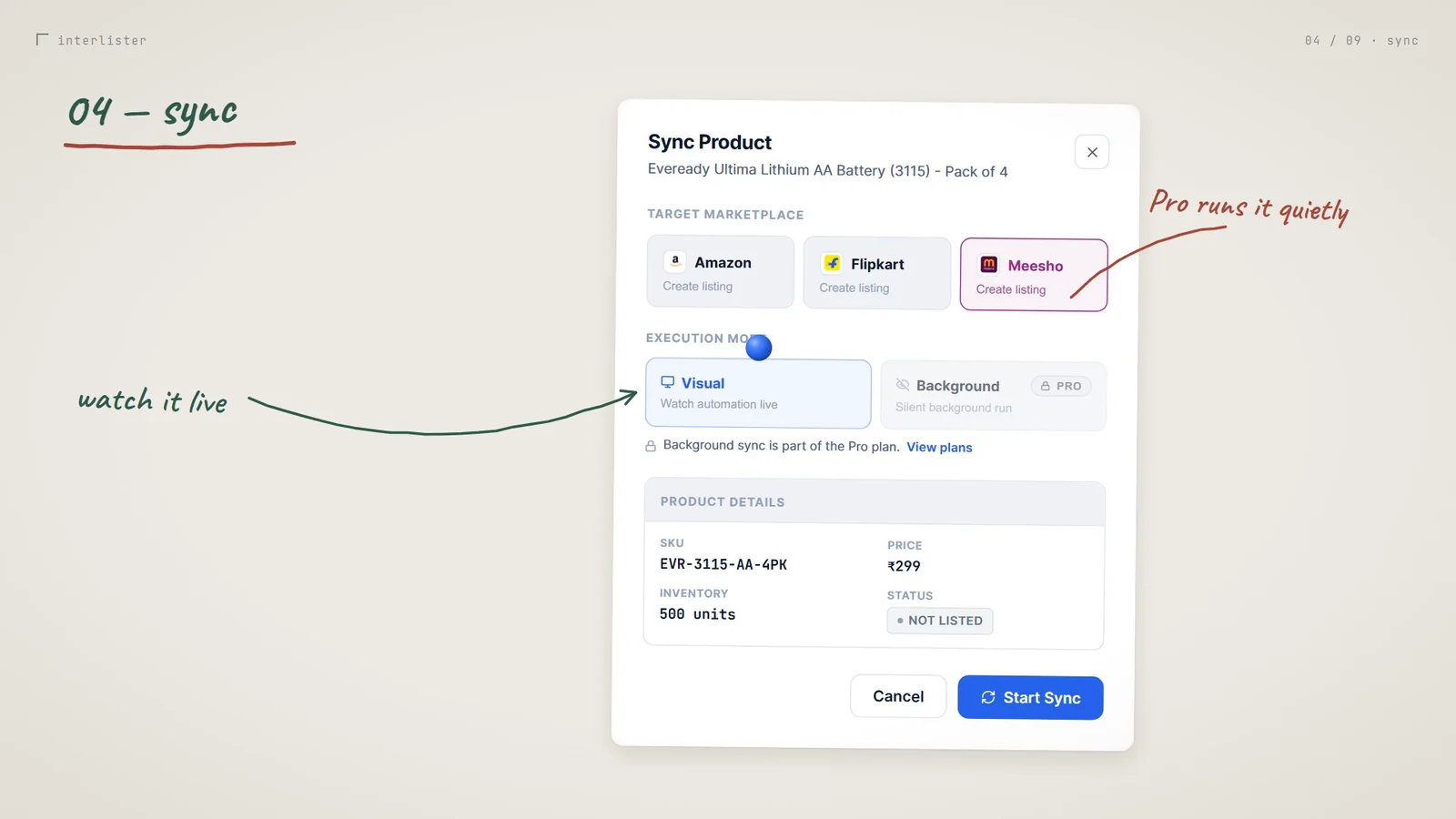
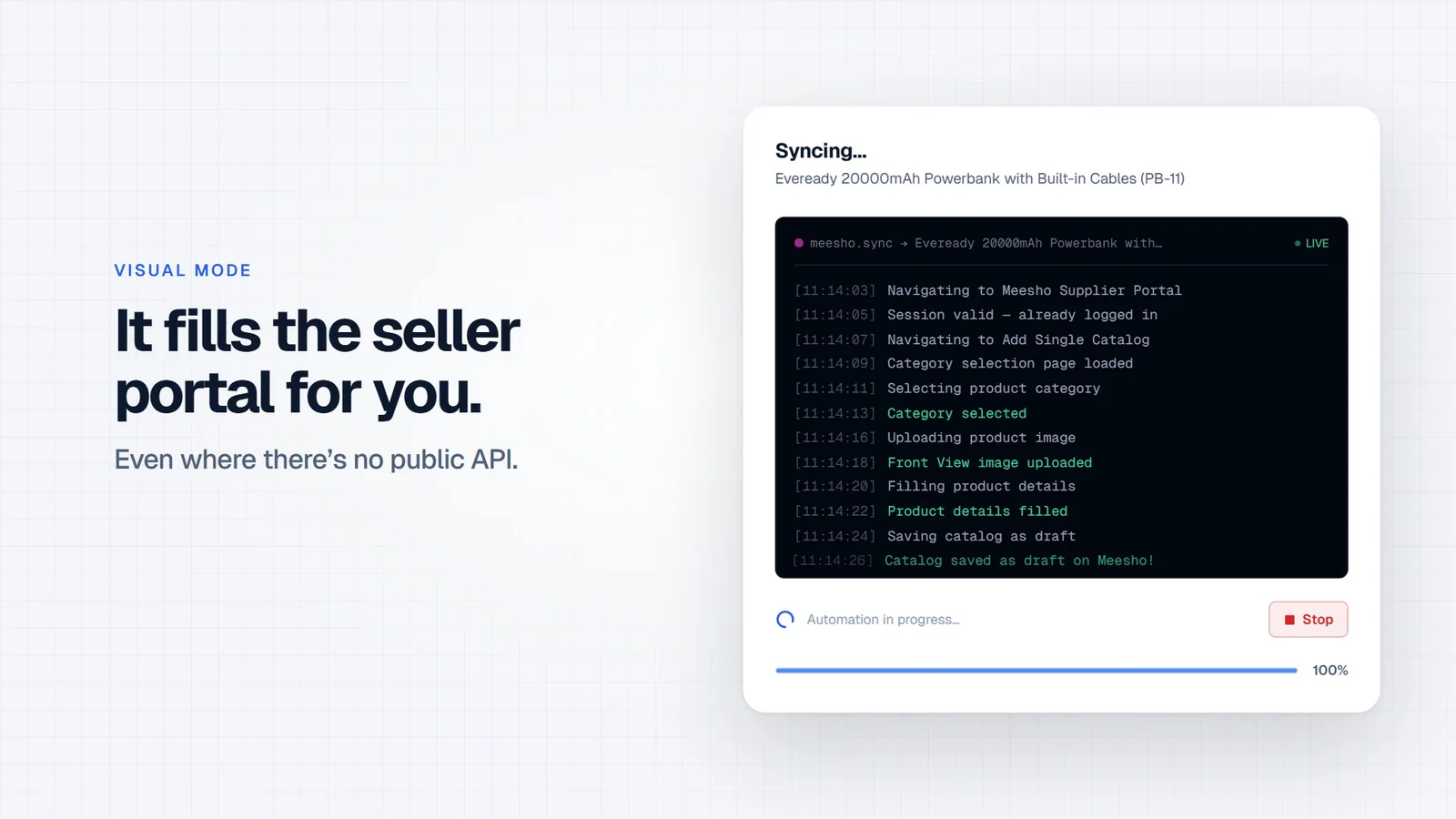
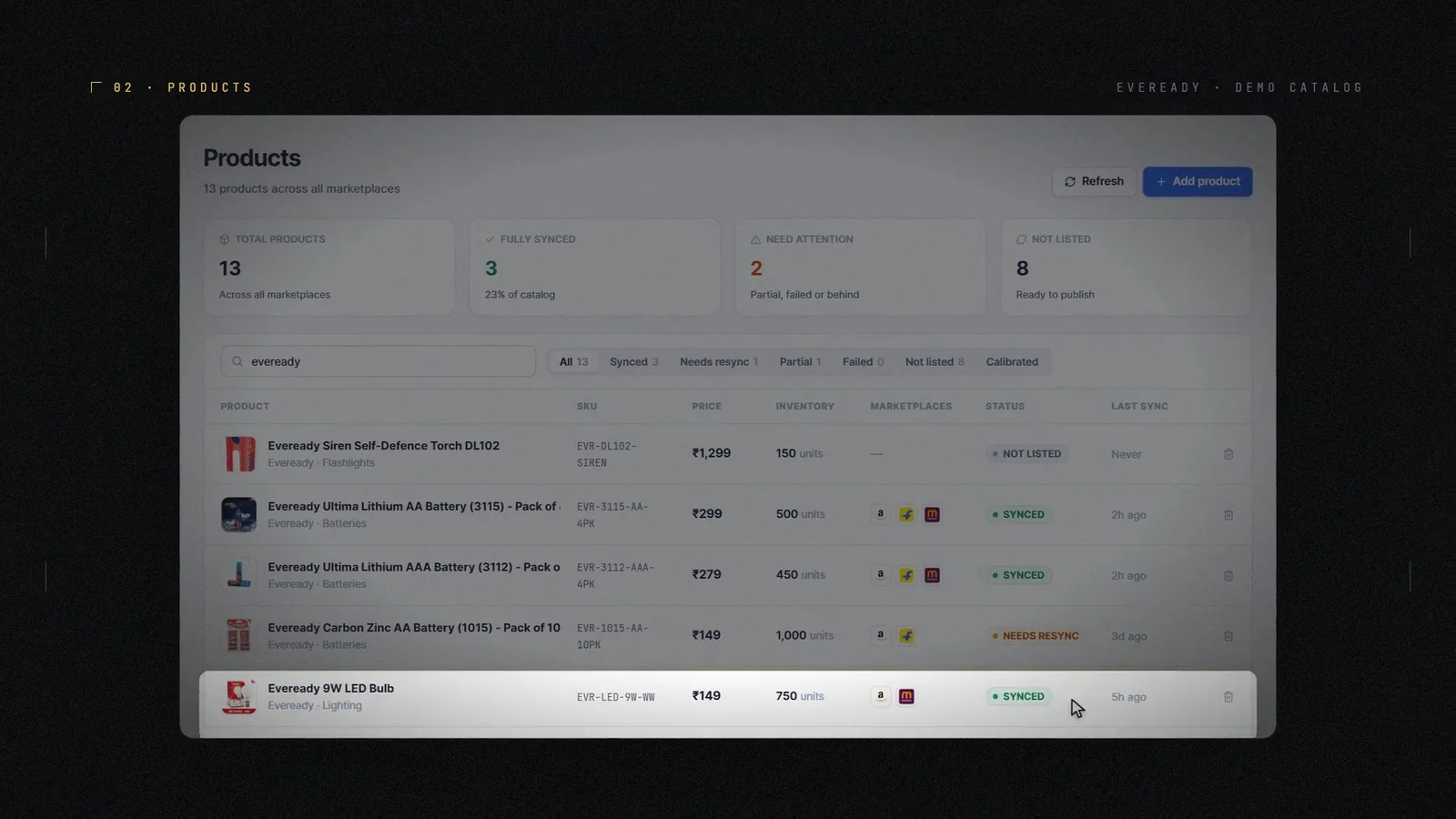
MotionRepo makes motion walkthroughs from the repository itself. It reads the screens, components, copy and styles in the code, and rebuilds the parts of the product a viewer needs to see, in the product’s own colors and fonts. Nothing is filmed, so there are no stray cursors, loading spinners or half-typed searches.
02
What does a motion walkthrough contain?
Each one is planned for its project, but most follow the same shape. It is a starting point, not a template:
- Hook, about 3 to 4 seconds: one line or image that makes the viewer stay.
- What it is, 4 to 6 seconds: the product in one sentence, and who it is for.
- One chapter per feature, 8 to 14 seconds each: a short title beat, then the feature in use.
- Outro, 4 to 6 seconds: the name and where to get it.
The chapters carry the walkthrough. Each shows one feature doing its job, with things appearing one by one, simulated clicks, typing, scrolling and results arriving, rather than a static slide with a bullet list.
03
How long is it, and which version of the product does it show?
MotionRepo makes walkthroughs at five lengths: 30, 60, 90, 120 or 180 seconds. A longer walkthrough has room for more chapters, so the length is really a choice of how many features to show. How long should a product demo video be? helps you pick.
You can make a walkthrough from any branch. That means you can make the video for a feature before it is merged, and have it ready on launch day.
05
Where does a motion walkthrough work best?
A walkthrough is for someone who already wants to know more: a visitor on your landing page, a prospect on a sales call, a new user in their first week, or an investor reading a quarterly update.
- Landing pages and product pages, above or beside the sign-up button.
- Documentation and help centers, as the overview before the detail.
- Sales calls and follow-up emails, so the product is shown the same way every time.
- Investor and board updates, to show what the team built this quarter.
If the product changes, the walkthrough does not have to be filmed again. Make a new one from the new code, or revise the current one with a short note.
06
Questions
Is a motion walkthrough a screen recording?
No. It is designed as motion graphics, scene by scene, from the product’s own code, screens and copy. Nothing is filmed.
How long can a motion walkthrough be?
MotionRepo makes them at 30, 60, 90, 120 or 180 seconds. The free trial allows up to 1 minute, Starter up to 2 and Pro up to 3.
Can it show a feature that is not released yet?
Yes. You can make a walkthrough from any branch of the repository, so it can show a feature before it is merged.