Short answer
As long as it takes to show the features that matter to that viewer, and no longer. A quick look for a social post or landing page works at 30 to 60 seconds. A tour of three or four features needs about 2 minutes. A full product tour for sales or onboarding can use 3 minutes.
Key points
- Match the length to the viewer: a stranger gives you seconds, a prospect on a sales call gives you minutes.
- Each feature needs roughly 8 to 14 seconds to be shown in use, plus a hook and an outro.
- MotionRepo walkthroughs come at 30, 60, 90, 120 or 180 seconds.
- Credits rise with length: 3 for up to a minute, 4 for up to two, 6 for three.
01
Why does the right length depend on the viewer?
A product demo video is watched by people with very different amounts of patience. Someone scrolling past a social post has decided nothing yet. Someone who clicked “See how it works” on your landing page has decided to spend a minute. A prospect on a sales call has set aside half an hour.
So the question is not “what is the ideal length?” but “who is watching, and what do they need to see before they act?” Answer that first, then count the features.
02
How many features fit in each length?
A useful rule: every feature needs a short title beat and then a few seconds of the feature in use, about 8 to 14 seconds in all. Add a hook at the start and an outro with the name and where to get it.
| Length | Room for | Good for |
|---|---|---|
| 30 seconds | One feature, shown well | Social posts, a quick look on a landing page |
| 60 seconds | Two or three features | Landing pages, launch announcements |
| 90 seconds | Three or four features | Product pages, email follow-ups |
| 120 seconds | Four to six features | Sales decks, docs overviews, investor updates |
| 180 seconds | A full tour | Sales calls, onboarding, agency handovers |
If the list of features does not fit, cut features before you choose a longer video. A short video that shows three things clearly beats a long one that rushes through eight.
03
Why does a longer video not mean faster cuts?
Pace should come from motion and cuts, not from pulling text away early. Any line the viewer is meant to read has to stay on screen long enough to read it, roughly 0.3 seconds per word once the whole line is visible. That is why a longer walkthrough shows more features, not more words per feature.
The same applies to voice. A narrator who speaks fast to fit a script into a short video is hard to follow. Shorten the script instead. AI voiceover for product videos covers writing for the ear.
04
Which lengths can you make with MotionRepo?
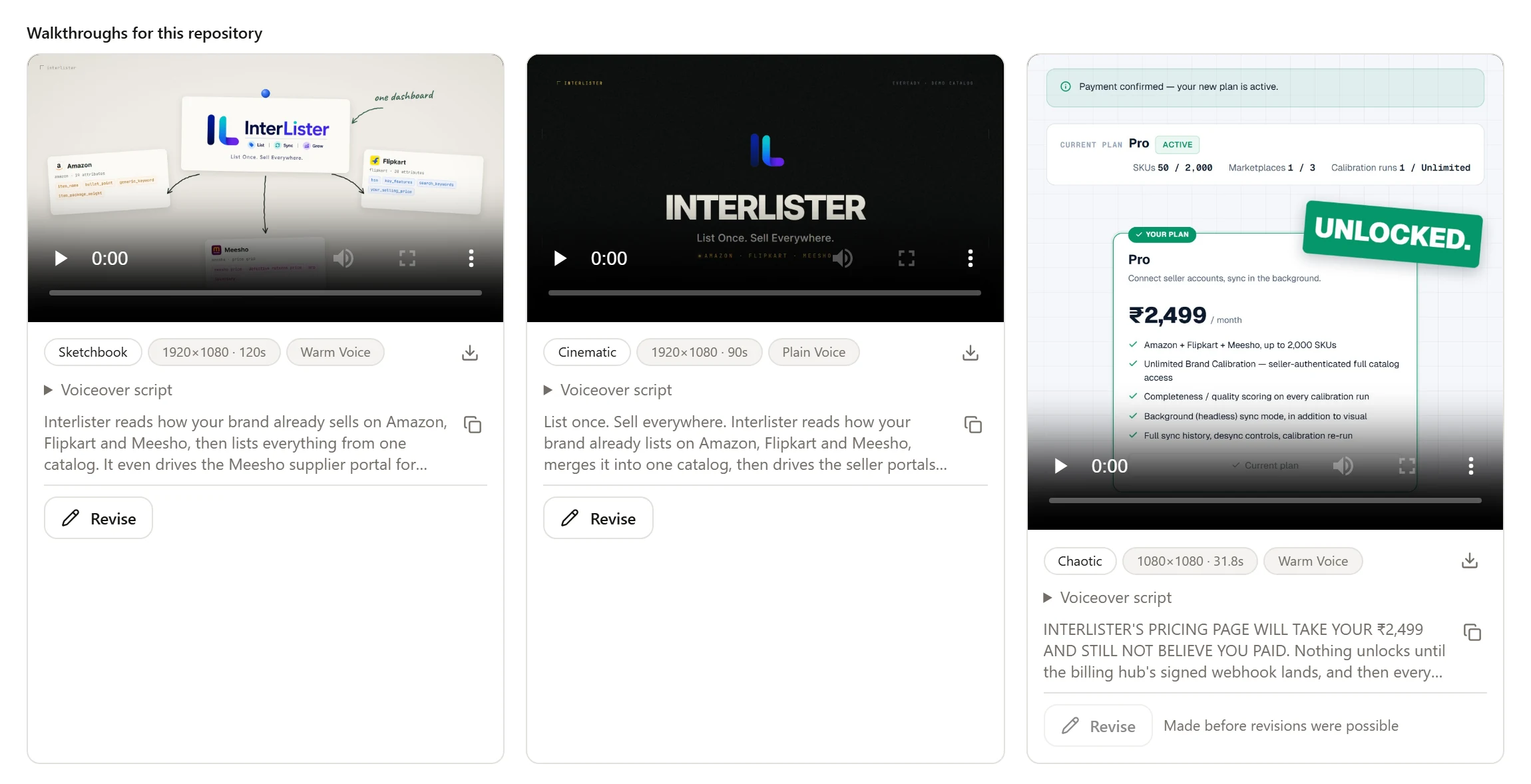
A motion walkthrough is made at 30, 60, 90, 120 or 180 seconds. A launch teaser is shorter, 15 to 25 seconds. How long you can go depends on the plan:
- Free Trial: walkthroughs up to 1 minute.
- Starter: walkthroughs up to 2 minutes.
- Pro: walkthroughs up to 3 minutes.
Credits follow length too: a walkthrough is 3 credits for up to a minute, 4 for up to two minutes and 6 for three. Full details are on the pricing page.
05
Does a longer video take longer to make?
Yes. A longer video has more scenes to plan and build, and many more frames to render. In our runs a two-minute walkthrough took about 46 minutes from start to finish, and a teaser about 8. The time also depends on the repository: a product with many screens takes longer than a small one.
You do not need to watch it happen. The video lands in your dashboard when it is made and checked, and if something fails partway, its work is kept so it can be continued.
06
Questions
What is a good default length for a product demo?
For a landing page, 60 to 90 seconds: enough for two to four features. Go to 2 or 3 minutes for sales calls and onboarding.
Can I change the length of a walkthrough after it is made?
Yes. A revision can change the length, and scenes are added or dropped to fit rather than stretched.
Why can’t the free trial make a 3-minute walkthrough?
The trial is limited to walkthroughs of up to 1 minute. Starter allows up to 2 minutes and Pro up to 3.