Short answer
Use landscape (16:9, 1920×1080) for websites, YouTube, docs and presentations; vertical (9:16, 1080×1920) for phone-first feeds such as Reels and Shorts; and square (1:1, 1080×1080) for LinkedIn and X feeds. Choose the format of the place that matters most to your launch, and make the launch in the other formats too if you need them.
Key points
- Landscape 1920×1080 suits websites, YouTube, documentation and decks.
- Vertical 1080×1920 suits phone-first feeds such as Reels, Shorts and TikTok.
- Square 1080×1080 suits LinkedIn and X feeds.
- A good vertical or square video is laid out for that shape, not cropped from a landscape one.
01
What are the three formats?
Almost every launch video ends up in one of three shapes. MotionRepo makes all three, at these sizes:
| Format | Aspect ratio | Size | Where it goes |
|---|---|---|---|
| Landscape | 16:9 | 1920×1080 | Websites, YouTube, docs, decks |
| Vertical | 9:16 | 1080×1920 | Reels, Shorts, TikTok |
| Square | 1:1 | 1080×1080 | LinkedIn, X |
A launch teaser can also be made as a square loop: 1080×1080, with its last frame leading straight back into its first, so it plays on repeat in a feed or on a landing page without a visible jump. MotionRepo compares the two frames before it publishes one, and holds the video back for you to look at if they do not match.
02
When should you use landscape?
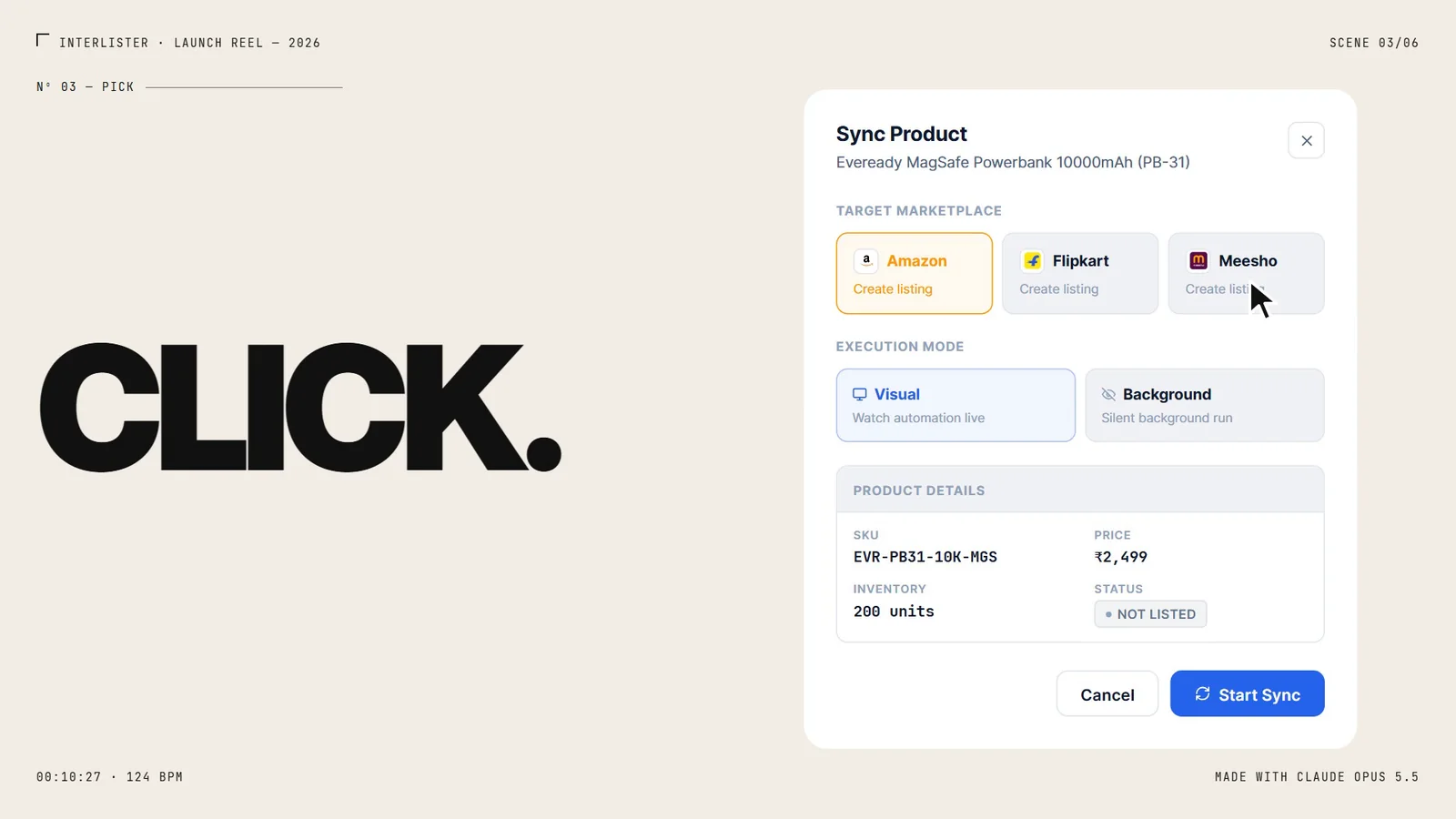
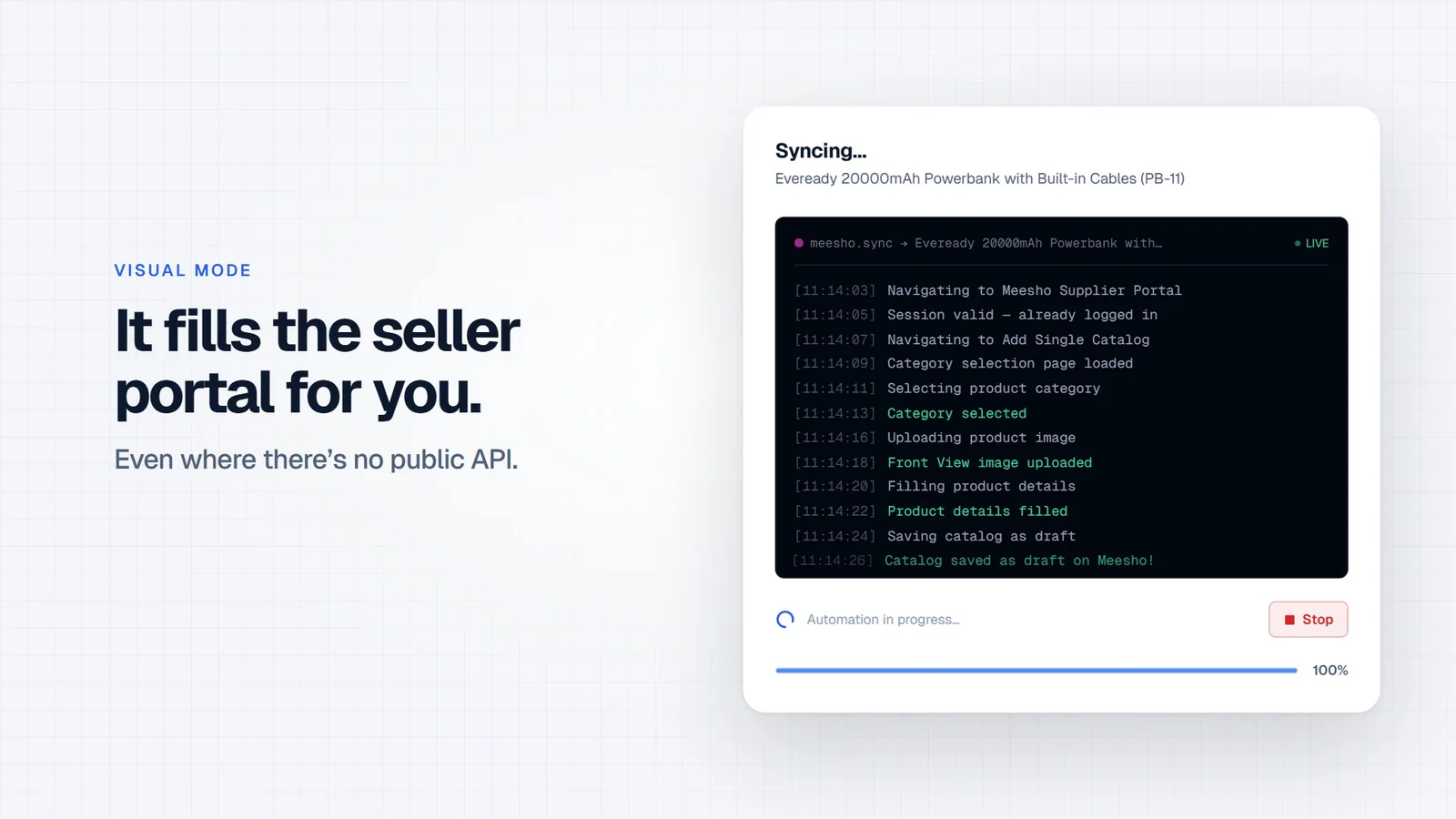
Landscape is the default for anything watched on a laptop or a large screen: the hero of a landing page, a YouTube upload, a video in documentation, a clip in a sales deck. It has the most room for a full product screen, so it suits walkthroughs, which show the product in use for longer.
Landscape also gives text and the product room to sit side by side: a headline on the left, the screen on the right. That layout is easy to read on a large screen and lets a viewer follow a click or a result without the camera moving much.
If you are unsure and the video will live on your own website, choose landscape.
03
When should you use vertical?
Vertical fills a phone screen held upright, which is how most short-video feeds are watched. A landscape video in those feeds plays as a thin strip with empty space above and below.
Vertical changes the layout, not just the size. A wide product screen does not fit, so a good vertical video shows one part of the screen at a time, zooms into the action, and stacks text above or below it. Text has to be larger, because the screen is small.
Vertical suits teasers and release clips more than long walkthroughs.
04
When should you use square?
Square takes up a good share of a feed on both phones and desktops, which makes it a safe choice for LinkedIn and X, where people scroll on both. It has more width than vertical, so more of a product screen fits, and more height than landscape, so it holds a feed’s attention longer.
Like vertical, square needs its own layout. Wide screens are shown in parts, and headlines sit above or below the product rather than beside it.
05
How do you choose one format for a launch?
- Decide where most people will see the launch first: your website, a phone feed, or a professional network.
- Make the video in that format first, and check it there.
- If the launch goes to several places, make a video in each of the other formats as well.
Whichever you pick, check the result where it will be posted. Watch a vertical video on a phone held upright and a landscape one on a laptop. Text that looks large on a desktop monitor can be hard to read on a phone, and a screen that looks clear in landscape can be too small once it is squeezed into a feed.
In MotionRepo the format is one of the choices you make before the video is made, next to the tone and the voice, and each format is laid out for its own shape. The features page lists the formats and tones together.
06
Questions
What size is a vertical video?
MotionRepo makes vertical videos at 1080×1920 pixels, a 9:16 aspect ratio.
Can I crop a landscape video to vertical?
You can, but the product screen and text usually end up cut off or too small. A video laid out for vertical reads better.
Which format is best for LinkedIn?
Square 1080×1080 is a safe choice, since LinkedIn is used on both phones and desktops.