Short answer
Good developer onboarding docs explain the shape of the system before its details: what it does, how the parts fit, how data moves, how to run and test it, and where the known problems are. A technical PDF written from the repository covers most of this from the code itself, so it matches what new engineers will actually find.
Key points
- Start with the shape of the system, then the details.
- Onboarding docs should include known gaps, not just how things should work.
- A technical PDF from the code covers architecture, API, data flow, testing and setup.
- Write it again when the code changes instead of patching an old copy.
01
What does a new engineer need first?
A map. Before someone can read a module usefully, they need to know what the system is for, what its main parts are and how those parts talk to each other. Without that, every file is a puzzle on its own.
Second, a way to run it. Nothing builds understanding faster than starting the system, clicking through it and running its tests. Third, honesty about the rough edges, so they do not spend a week discovering what everyone else already knows.
02
What should onboarding docs include?
- What the system does and what is out of scope.
- The architecture: the main components, where each lives, and the flows between them.
- The stack, and the role each technology plays.
- A walk through the folder tree, with notes on what lives where.
- How data moves through the system, from a request to a stored result.
- The API and the data models.
- How to run it locally and how to run the tests, and what the tests do not cover.
- Known issues and technical debt, with a suggested direction for each.
- Where the system is meant to be extended.
Team habits, such as how to get code reviewed and who to ask about what, belong in a short separate page. They change for different reasons than the code does.
03
Why do onboarding docs drift?
They are written once, usually by the person who knows the system best, and then the system keeps changing. Each new hire finds a few things that are no longer true, and maybe fixes one. The document becomes a mix of current facts and history.
Docs that describe what the code does can be written again from the code. Docs that describe how the team works have to be kept by hand. Separating the two makes the first kind cheap to keep current.
04
How does a technical PDF from the code help?
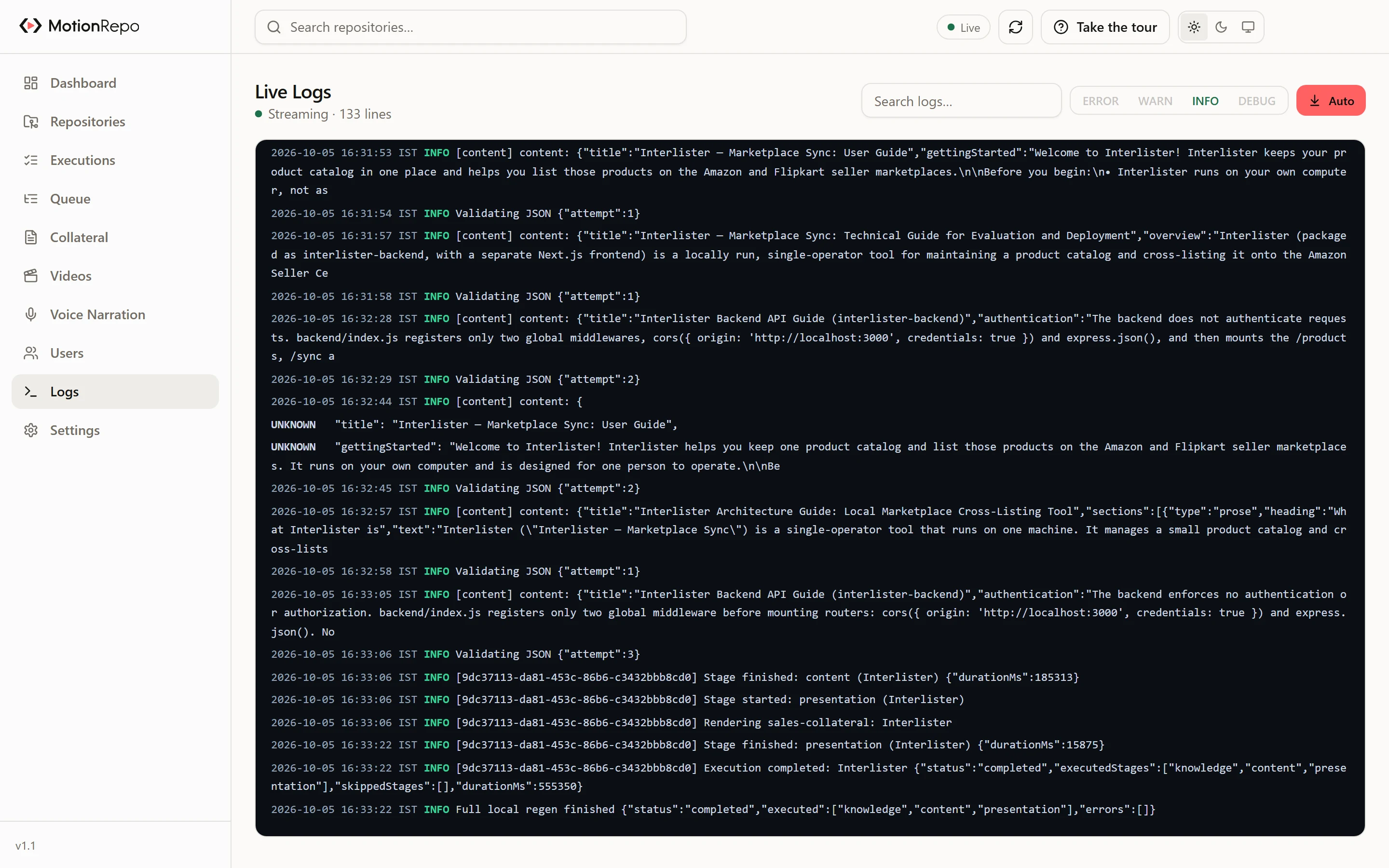
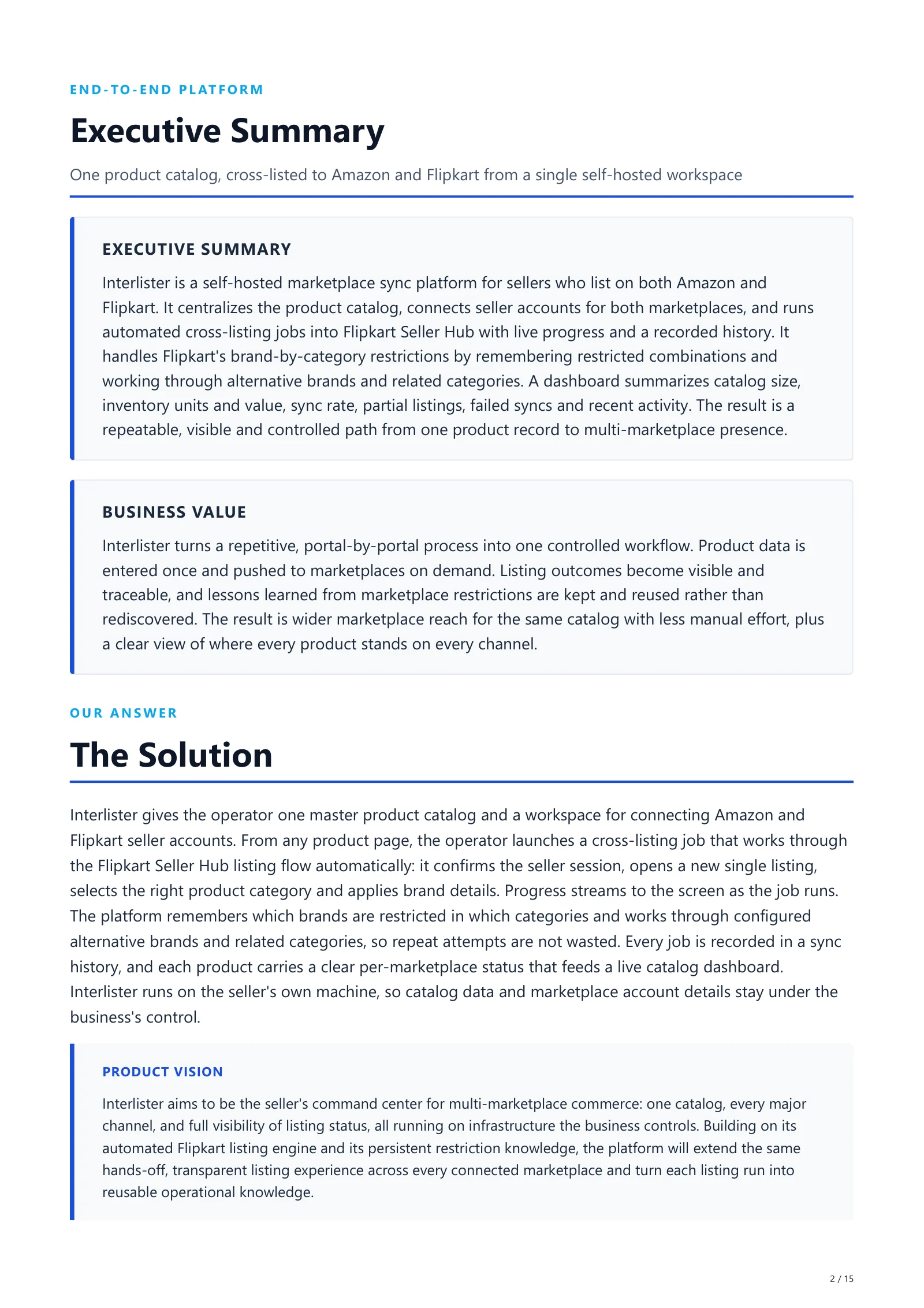
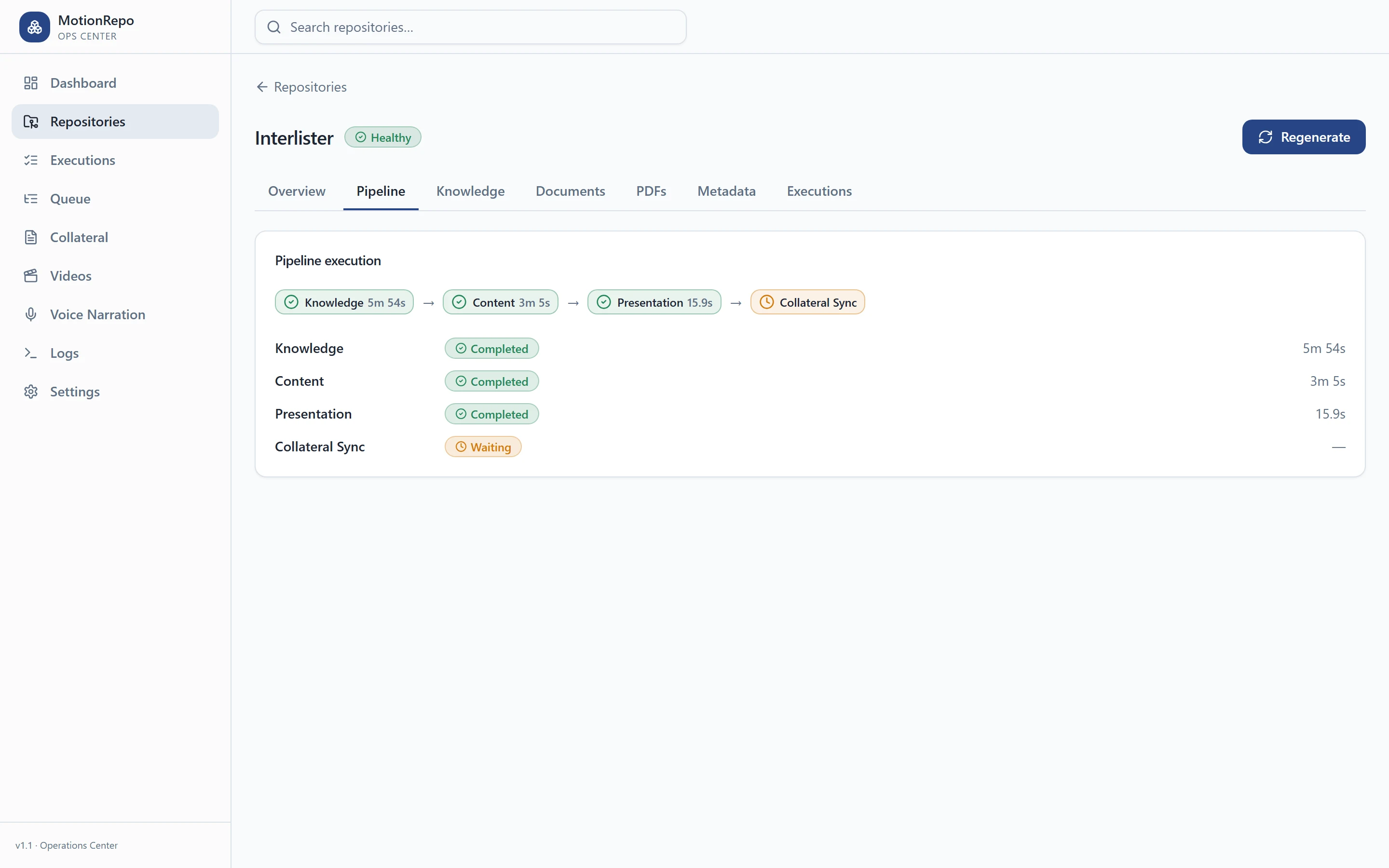
MotionRepo’s technical PDF is written from the repository. It covers the overview and scope, the architecture with diagrams, the stack and folder tree, startup and data flow, each subsystem, the API, data contracts, reliability, security status, testing, deployment readiness, known issues and extension points, and steps to reproduce the setup.
Because it is written for the team, it includes the limitations, risks and technical debt that the customer-facing sales PDF leaves out. A new engineer gets the honest version.
When the code changes, write it again. On Starter and Pro it can be written again on every push to main; see keeping docs up to date.
05
Does this work for external developers too?
Yes, with care. For developer relations, the technical PDF and a motion walkthrough made from the same code show outside developers how the product works. Read the PDF first and decide what belongs in public: it lists internal gaps and risks that you may want to fix before you share.
06
Questions
Can a generated document replace a senior engineer’s walkthrough?
No, but it makes that walkthrough shorter. The engineer can skip the map and spend the time on judgement and history.
How long does it take to get a technical PDF?
It depends on the size of the repository. It is written together with the sales PDF, for 1 credit.
Will it include our internal decisions and plans?
Only what is in the repository. Decisions recorded only in meetings or trackers are not in the code, so they are not in the PDF.