Short answer
MotionRepo reaches your repositories through a GitHub App you install on your account or organization, not through a personal token. You choose which repositories it may read, each run gets a short-lived access token, and it never writes to the code. Webhooks from GitHub are signature-checked, and sign-in keeps no GitHub token.
Key points
- A GitHub App is installed by you and limited to the repositories you choose.
- Each run gets a short-lived access token, so no long-lived key sits waiting to be misused.
- MotionRepo copies repositories to read them and never writes to them.
- Signing in reads your name and picture once, and the GitHub token is then thrown away.
01
GitHub App or personal token: what is the difference?
There are two common ways a tool can reach your code on GitHub. A personal access token acts as you: it can reach whatever you can, until someone revokes it. A GitHub App is installed on an account or organization, sees only the repositories it was given, and asks GitHub for short-lived tokens when it needs to work.
| Personal token | GitHub App | |
|---|---|---|
| Acts as | A person | The app itself |
| Reach | Whatever that person can reach | Only the repositories it is installed on |
| Lifetime | Until it expires or is revoked | A short-lived token per use |
| Who controls it | The person who made it | The account or organization that installed it |
02
How MotionRepo connects
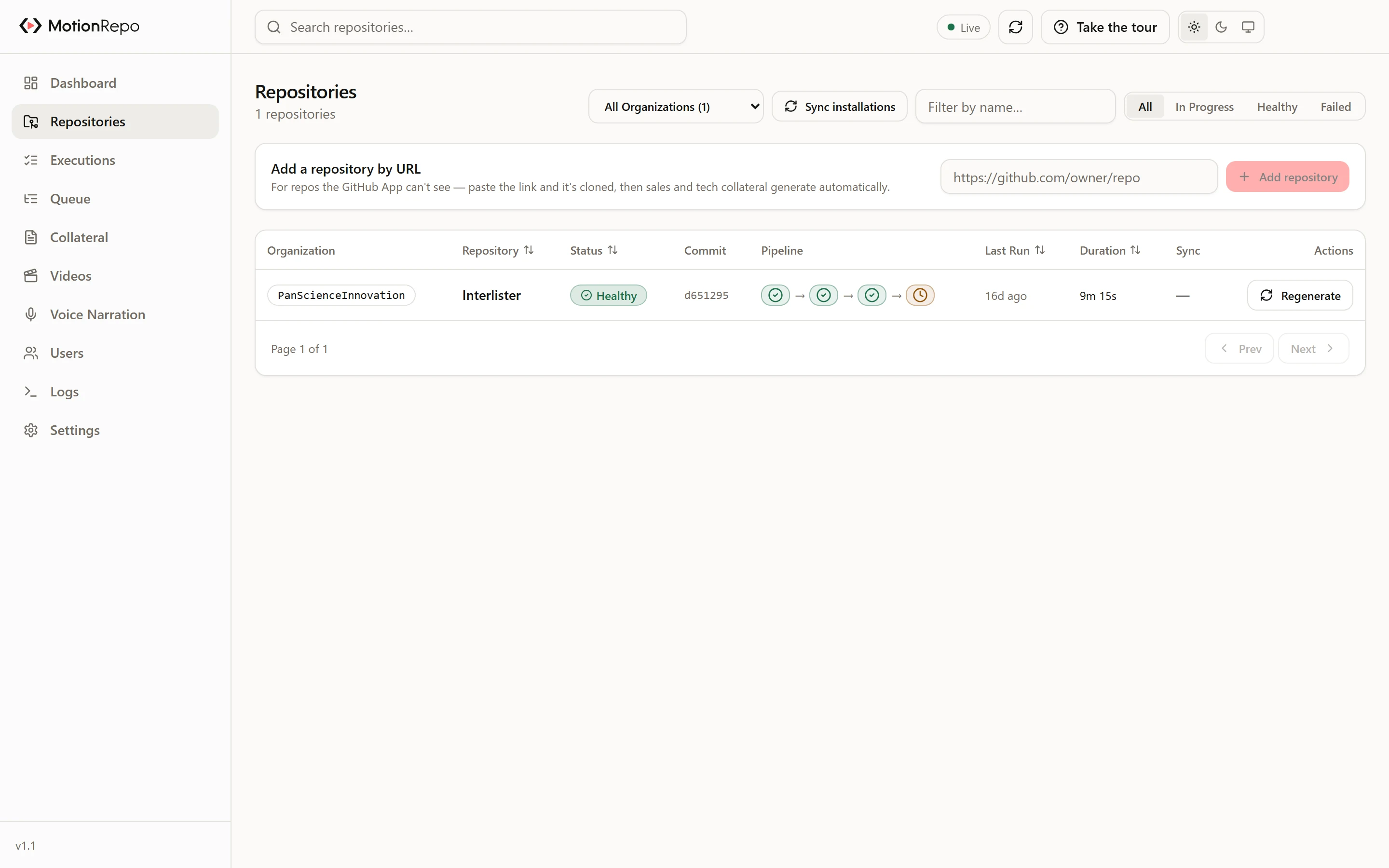
You install the MotionRepo GitHub App on your account or organization and choose the repositories it may read. Private repositories work the same way. A public repository can also be added by pasting its link.
Each run asks GitHub for a short-lived access token and uses it to copy the repository. When the run is done, the token is no longer useful. How it works shows where this fits in the five steps.
03
What does MotionRepo never do with access?
- It never pushes, commits or opens pull requests.
- It never comments on issues or pull requests.
- It never writes videos or PDFs into your repository; they are kept separately.
It copies the code to read it, and the copy is what the AI sessions work from. Is it safe to let AI read your code? covers what happens to that copy.
04
Webhooks, and why they are checked
GitHub can tell MotionRepo when you push, so documents can be written again when the code changes, if you turn that on. Every webhook from GitHub is signature-checked, so a request that does not come from GitHub is refused rather than trusted.
05
Signing in is separate from repository access
Signing in with GitHub reads your name and picture once. The GitHub token from sign-in is then thrown away, so it cannot be used to reach your code later. MotionRepo keeps your GitHub username, name and picture, and the repositories you added, never your password or access token.
Each person sees only their own repositories, videos and credits, or their team’s on Pro.
06
What to check before installing any GitHub App
The same questions apply to every app you add to an organization, not only this one:
- Can you limit it to selected repositories, rather than all of them?
- Does it ask only for the access its job needs? A tool that reads code to describe it has no reason to write.
- Does it use short-lived tokens for each run, or keep a long-lived key?
- Does it check the signature on webhooks before acting on them?
- Can you remove it in one place, and does that end its access?
For MotionRepo the answers are on the security page.
07
Questions
Which repositories can MotionRepo see?
Only the ones you choose when you install the GitHub App, plus any public repository you add by link.
How do I remove access?
Uninstall the MotionRepo GitHub App or remove repositories from it in your GitHub settings. MotionRepo can then no longer read them.
Does MotionRepo keep my GitHub token?
No. The sign-in token is thrown away after your name and picture are read, and run tokens are short-lived.