Short answer
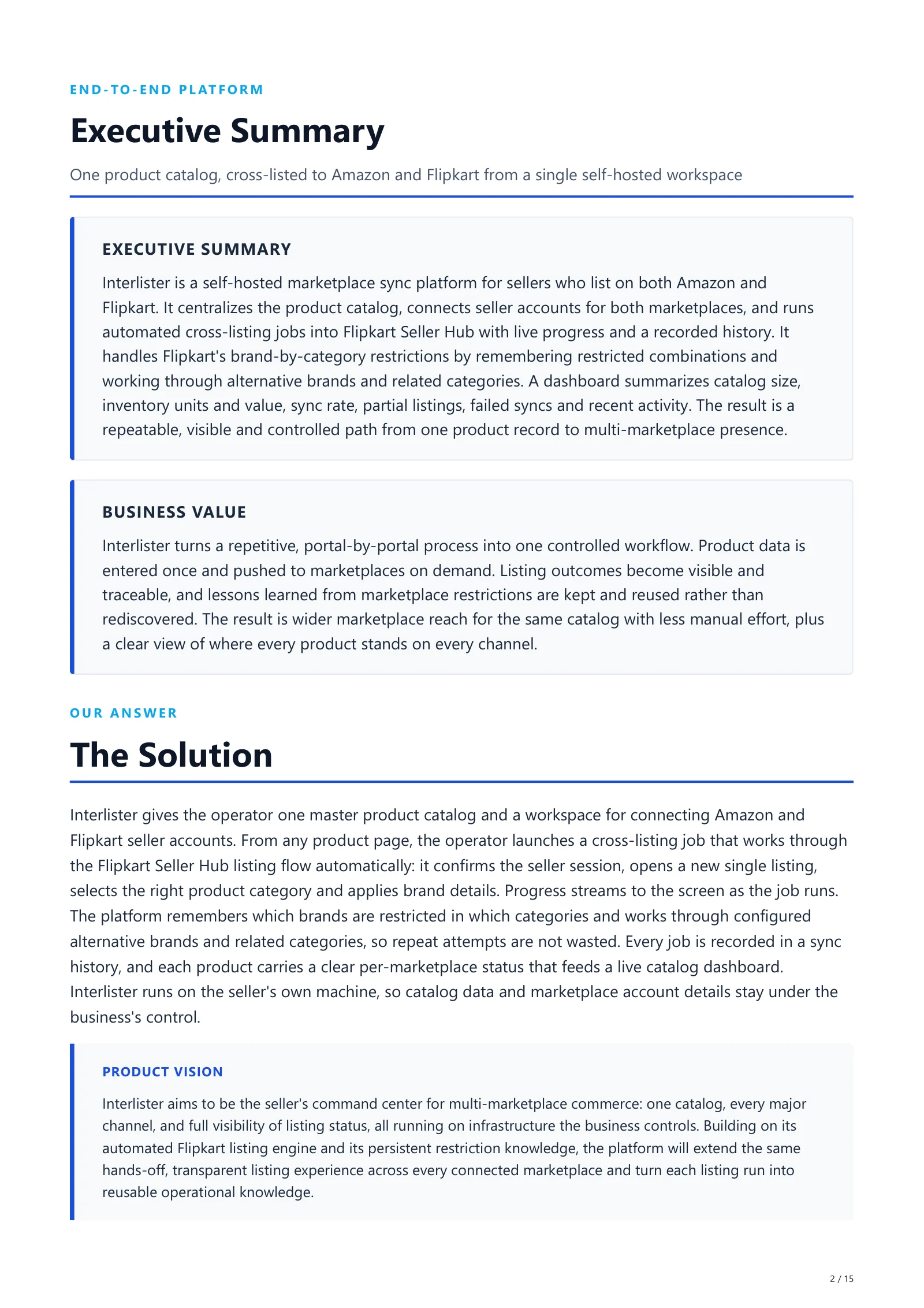
Send the sales PDF to people deciding whether to buy or use the product: it explains the problem, what the product does and what sets it apart, and leaves out limitations and unshipped work. Send the technical PDF to people who will build on, run or review it: it covers architecture, API, testing, deployment and known issues. MotionRepo writes both together, for 1 credit.
Key points
- The sales PDF is for buyers and users; the technical PDF is for engineers and reviewers.
- The sales PDF never includes limitations, risks, debt or branch-only work.
- The technical PDF includes all of them, on purpose.
- Both are written from the same repository at the same time, for 1 credit together.
01
Why are there two documents?
A buyer and an engineer ask different questions about the same product. A buyer asks what it does for them and why it is better than the alternative. An engineer asks how it is built, how it fails and what it will take to change it.
One document cannot answer both well. Written for buyers, it is too thin for engineers. Written for engineers, it puts risks and debt in front of buyers. So MotionRepo writes two from the same reading of the code: a sales PDF and a technical PDF.
02
How do they compare?
| Sales PDF | Technical PDF | |
|---|---|---|
| Reader | Buyers, users, partners | Engineers, new hires, reviewers |
| Tone | Customer-facing, plain language | Internal, precise |
| Covers | Problem, idea, how it works, capabilities, differentiators, use cases, next steps | Architecture, API, data flow, reliability, security, testing, deployment, issues |
| Limitations and risks | Left out before writing | Included |
| Feature-branch work | Left out | Included |
| Evidence | Capabilities tied to files | Components, endpoints and tests tied to files |
03
When should you send the sales PDF?
- After a first call, as the thing a prospect forwards to their team.
- On launch day, next to the launch video.
- When a partner or reseller asks what the product does.
- Whenever someone asks for "a one-pager", and you want it to describe today’s product.
It only describes what is shipped on the main branch, so it is safe to send without checking it for half-finished features. Read it once anyway, as you would any draft.
04
When should you send the technical PDF?
- To a new engineer on their first day.
- In a handover, from one team or agency to another.
- To a technical reviewer or a customer’s engineering team, after you have read it and are happy with what it says.
- To your own team before planning work, as an honest list of risks and debt.
Because it is candid about gaps, treat it as internal by default. See technical documentation from a repository for everything it covers.
05
Can you send both?
Yes, and for a technical buyer that is often right: the sales PDF for the decision maker, the technical PDF for the engineer they bring in. Both come from the same reading of the same code, so they describe the same product.
Both are written together for 1 credit, and both are written again when you press Regenerate, or on every push to main on Starter and Pro if you turn it on. See the documents questions for the details.
06
Questions
Can I get only the sales PDF?
They are made together. The pair costs 1 credit, so there is nothing to save by making one.
Do the two PDFs ever disagree?
They are written from the same reading of the code at the same time, so they describe the same product. The technical one simply says more.
Which one should go to a security review?
The technical PDF has a security section with a status for each area. Read it first; it is written for your team.