Short answer
Under a self-hosted license, MotionRepo runs on your own servers with Node.js 20 or Docker, Redis and Git. Repositories are cloned onto your machines, not ours, and your own Claude plan or API key pays for the AI work. It includes everything in Pro, with no credit limit. Quotes are given on request.
Key points
- You need Node.js 20 or Docker, Redis, Git and your own Claude account.
- Repositories are cloned onto your machines, and secrets stay in your own environment file.
- It includes everything in Pro, with no credit limit.
- Documents are written again on every push to the main branch.
01
Who is a self-hosted license for?
The hosted plans suit most teams: nothing to install, and a GitHub account is all you need. Self-hosting is for teams whose code should not leave their own machines, or whose security review needs the work to run somewhere they control.
It is also for teams that make a lot of videos and documents and would rather pay for the AI work directly than in credits. Is it safe to let AI read your code? lists the questions that usually lead to this choice.
02
What do you need to run it?
- Node.js 20 or Docker.
- Redis, for the queue of work.
- Git, to clone repositories.
- Your own Claude account or API key, which pays for the AI work.
- A GitHub App of your own, so your servers reach your repositories directly.
Secrets stay in your own environment file and are never committed.
03
What stays the same when you self-host?
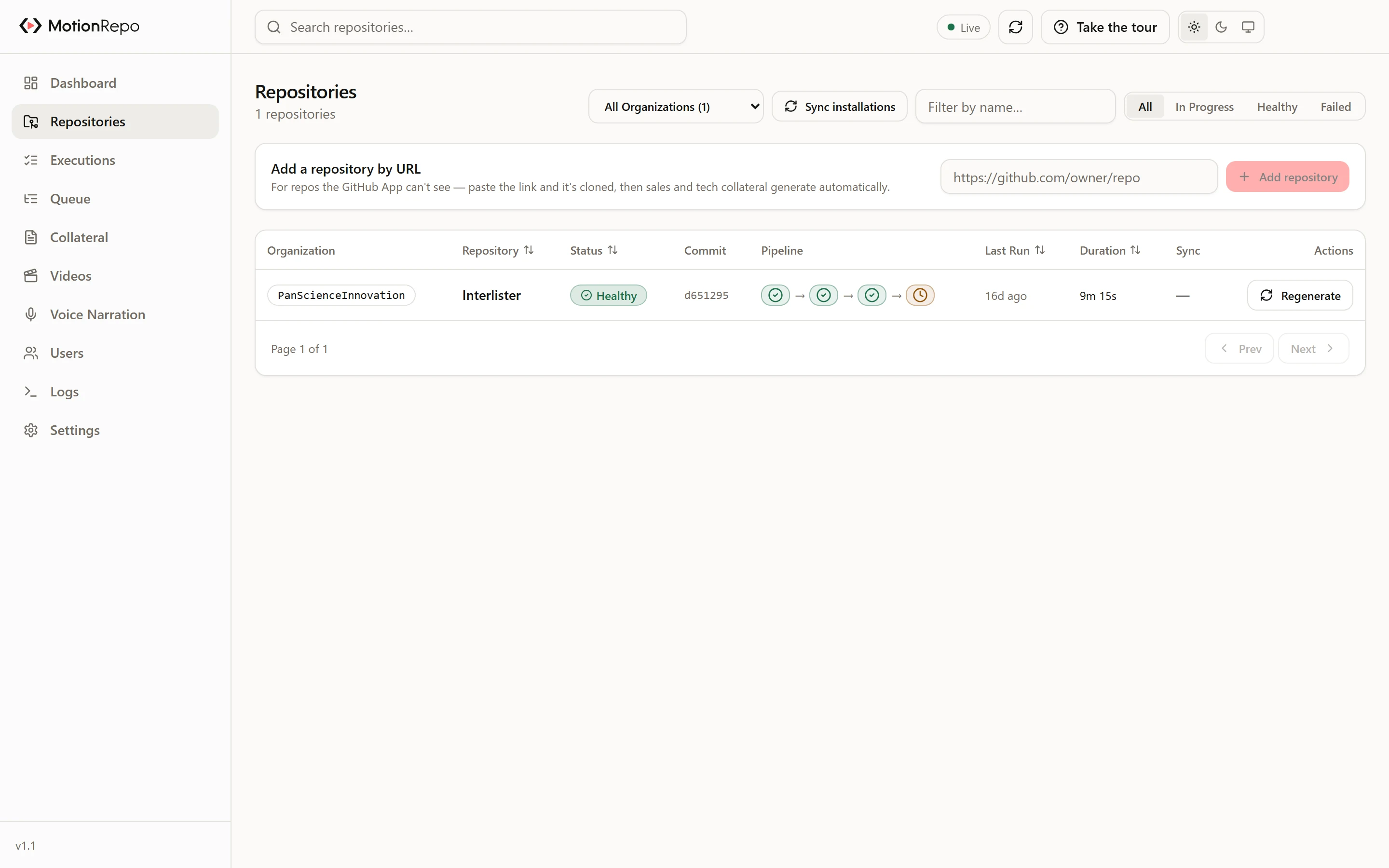
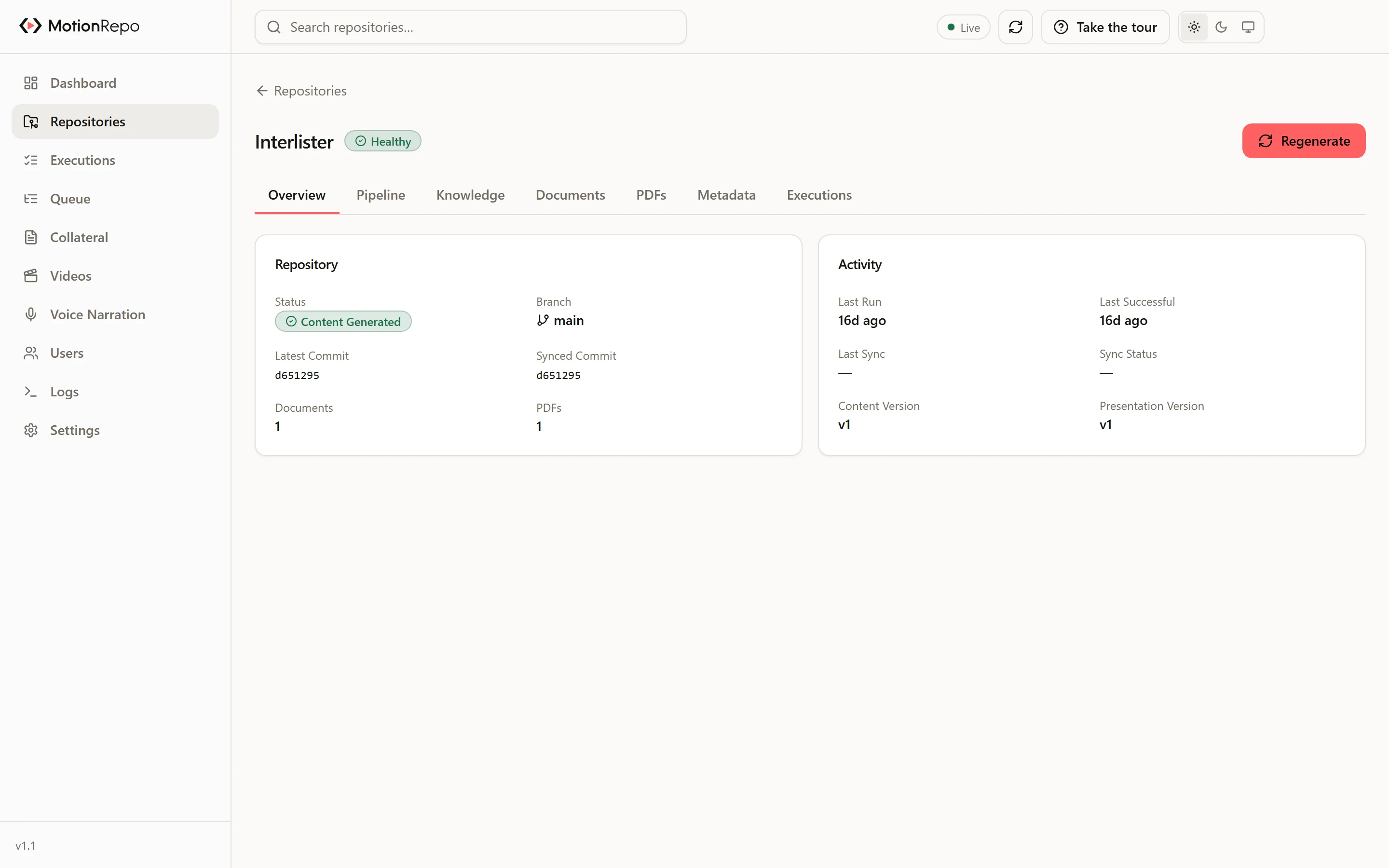
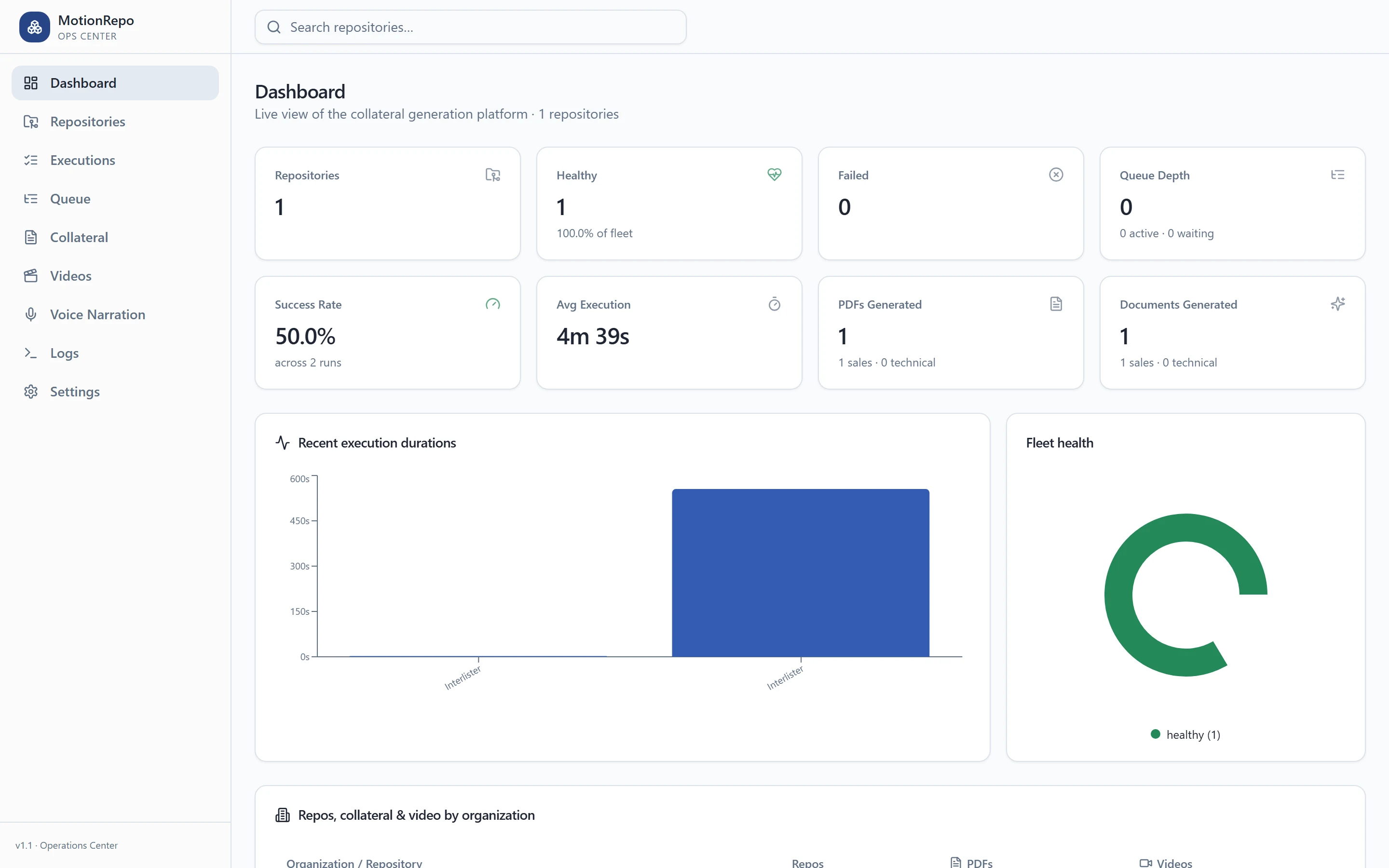
The product is the same one the hosted plans run. Your team signs in with GitHub, adds repositories, and uses the same dashboard to start videos, watch them progress and download the results.
The same AI sessions read the code, the same checks measure every video before it is published, and the same notes revise a video and keep the previous version. Videos and PDFs are still kept separately from your code, and MotionRepo still never writes to your repositories. What changes is only where all of this runs, and who pays for the AI work.
04
Hosted plans and self-hosted, side by side
| Hosted (Free Trial, Starter, Pro) | Self-hosted license | |
|---|---|---|
| Where it runs | Our servers | Your servers |
| Where repositories are cloned | Our servers | Your machines |
| Who pays for the AI work | Included in credits | Your own Claude plan or API key |
| Credit limit | Per plan | None |
| Documents written again | On a push to main, if turned on (Starter and Pro) | On every push |
| Price | See the pricing page | On request |
Everything in Pro is included: teasers, motion walkthroughs up to three minutes, every tone and format, voices, style references, revisions, and the sales and technical PDFs.
05
How is the AI work paid for?
On the hosted plans, credits cover it: a teaser is 2, a walkthrough 3 to 6 by length, the PDFs 1. Self-hosted, there are no credits. Each video and document is one or more Claude sessions on your own account, so what it costs follows your own Claude plan or API pricing. MotionRepo records the AI cost of each run, so you can see what each one took.
06
Getting a quote
Self-hosted licenses are priced on request. Ask for a quote and say roughly how many repositories and people it is for. The pricing page has the hosted plans if you would rather start there; the 14-day free trial needs no card.
07
Questions
Does self-hosted MotionRepo send my code to your servers?
No. Repositories are cloned onto your machines and the AI work goes through your own Claude account.
Is there a credit limit on a self-hosted license?
No. Your own Claude plan or API key pays for the AI work, so there are no credits to run out of.
Can I run it with Docker?
Yes. It runs with Docker or with Node.js 20, plus Redis and Git.