Short answer
Connect the repository, choose what to make (a 15 to 25 second teaser or a 30 second to 3 minute walkthrough), pick a tone, a format and a voice, and let MotionRepo read the code and render the video. Then watch it, revise it with a written note if needed, and post it.
Key points
- A launch video made from the repository shows the real product: its screens, components and copy.
- A teaser is 15 to 25 seconds; a motion walkthrough is 30, 60, 90, 120 or 180 seconds.
- In our runs a teaser took about 8 minutes and a two-minute walkthrough about 46 minutes.
- Every video is measured before you see it: size, length, sound, black frames and voice timing.
- Not right? Write a note of up to 500 characters and the same video is revised.
01
Why start a launch video from the code?
Most launch videos start with a brief, a script and a screen recording, and each of those is a copy of the product made by hand. By launch day the product has often moved on.
Starting from the repository removes the copying. The code already holds what the video needs: the screens a user sees, the words on them, the colors and fonts, and what the product actually does. A video made from it shows the product as it is on the branch you ship.
This is what MotionRepo does: it reads a GitHub repository and makes the launch content from it, without ever writing to the repository.
02
Step 1: Connect the repository
Sign in with GitHub and install the MotionRepo app on your account or organization. You choose which repositories it may read; private ones work too. A public repository can also be added by pasting its link.
MotionRepo copies the repository to read it and never pushes, comments or opens pull requests. Where your code goes explains what is kept and what is deleted.
03
Step 2: Choose a teaser or a walkthrough
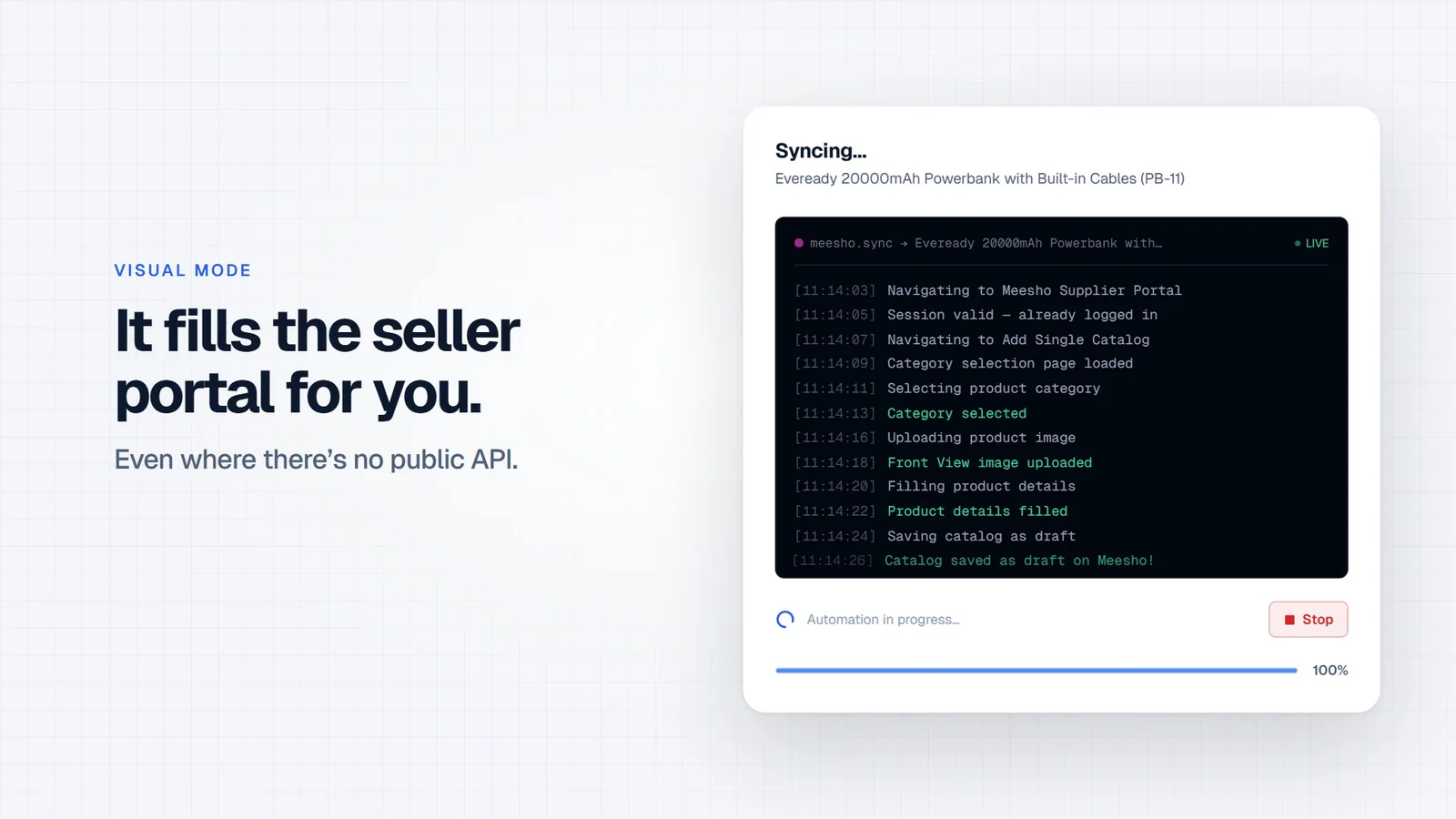
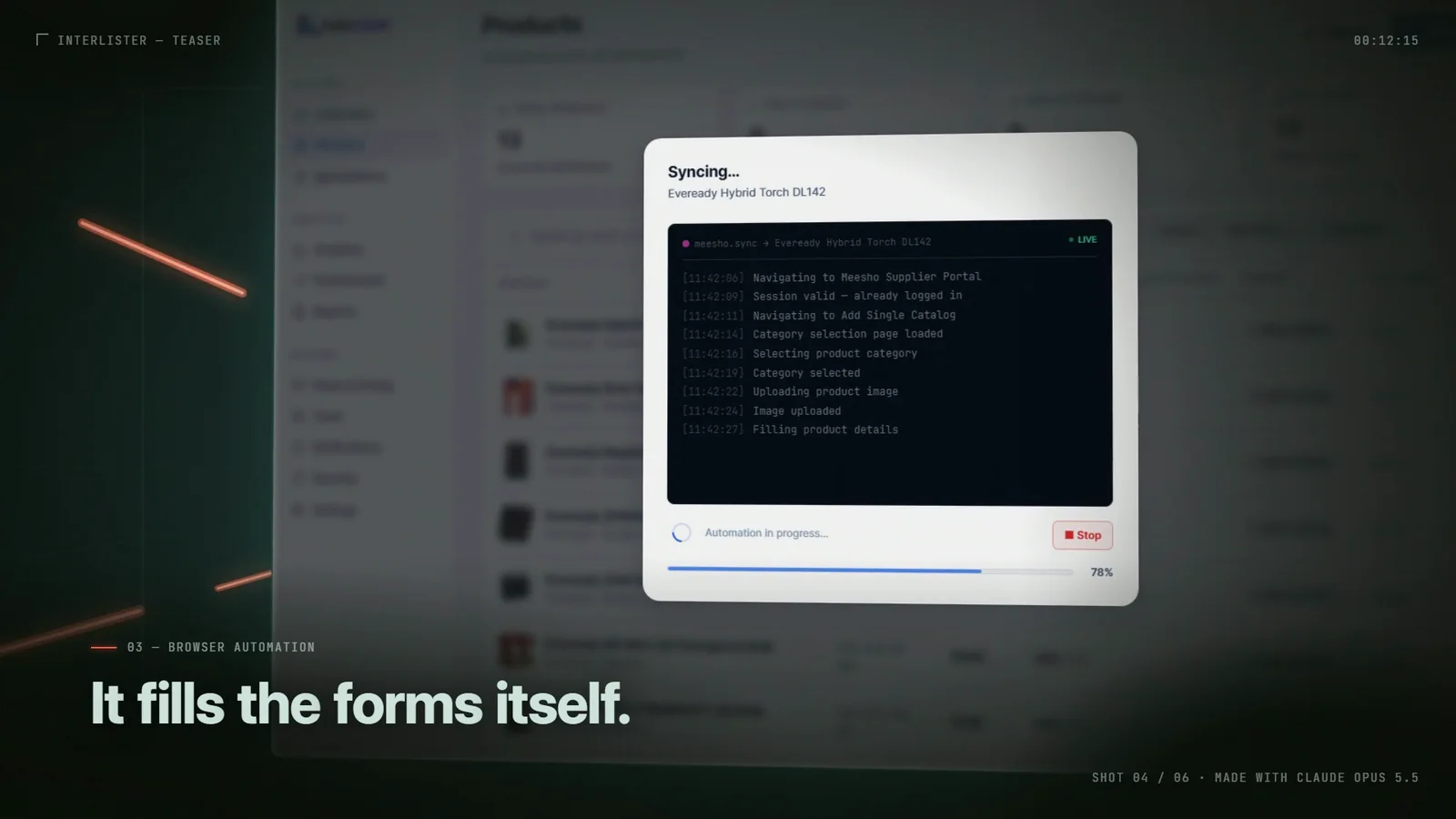
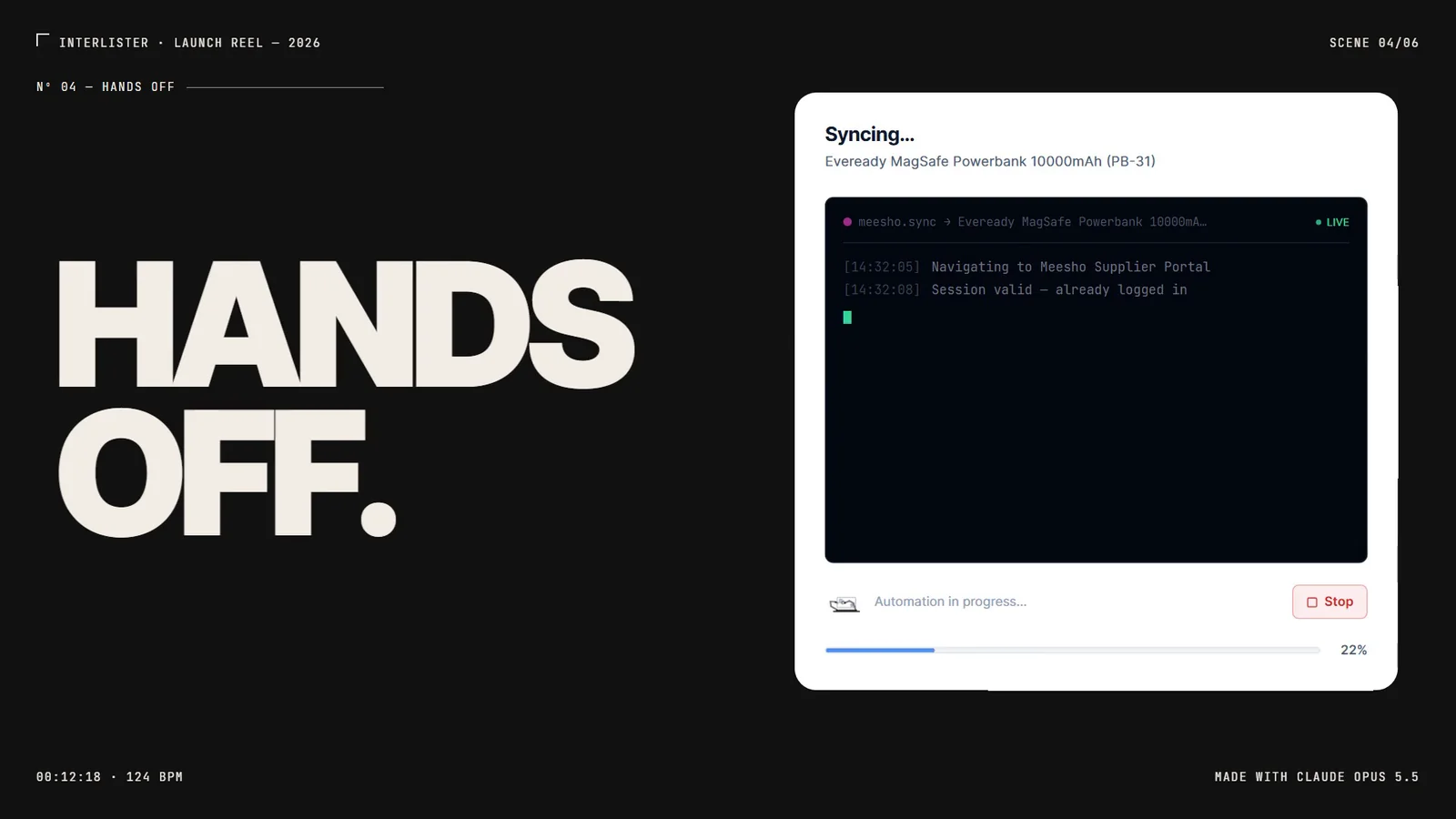
The two video types answer different questions. A teaser says what changed and why it matters. A walkthrough shows how the product works, scene by scene.
| Launch teaser | Motion walkthrough | |
|---|---|---|
| Length | 15 to 25 seconds | 30, 60, 90, 120 or 180 seconds |
| Best for | Launch posts, changelogs, social | Landing pages, docs, sales calls |
| Credits | 2 | 3 up to a minute, 4 up to two, 6 for three |
Not sure? Read what a launch teaser is and what a motion walkthrough is.
04
Step 3: Pick a tone, a format and a voice
These three choices set how the video feels and where it can be posted.
- Tone: one of 14, from Polished and Cinematic to Sketchbook, Blueprint, Data story and UI morph. Or give it a style reference, a link, photo or video whose look you want.
- Format: landscape 1920×1080 for websites and YouTube, vertical 1080×1920 for Reels and Shorts, or square 1080×1080 for LinkedIn and X. A teaser can also be a square loop that plays on repeat with no visible seam.
- Voice: five English voices, voices in 39 more languages, or none.
You can also write a direction of up to 6,000 characters: what to show, who the video is for, what to leave out. A focused direction ("the new export flow, for existing customers") gives a focused video.
05
Step 4: MotionRepo reads, renders and checks
One AI session reads the code, plans the scenes, writes the script, records the voice and renders the video. MotionRepo then measures the file before anyone sees it.
- The size and length match what you asked for.
- There is sound, and no stretch of black frames.
- The voice fits the scenes it belongs to.
If a check fails, the last good video in that tone stays up and nothing broken is published. Times vary with the repository and the length; in our runs a teaser took about 8 minutes and a two-minute walkthrough about 46.
06
Step 5: Review, revise and post
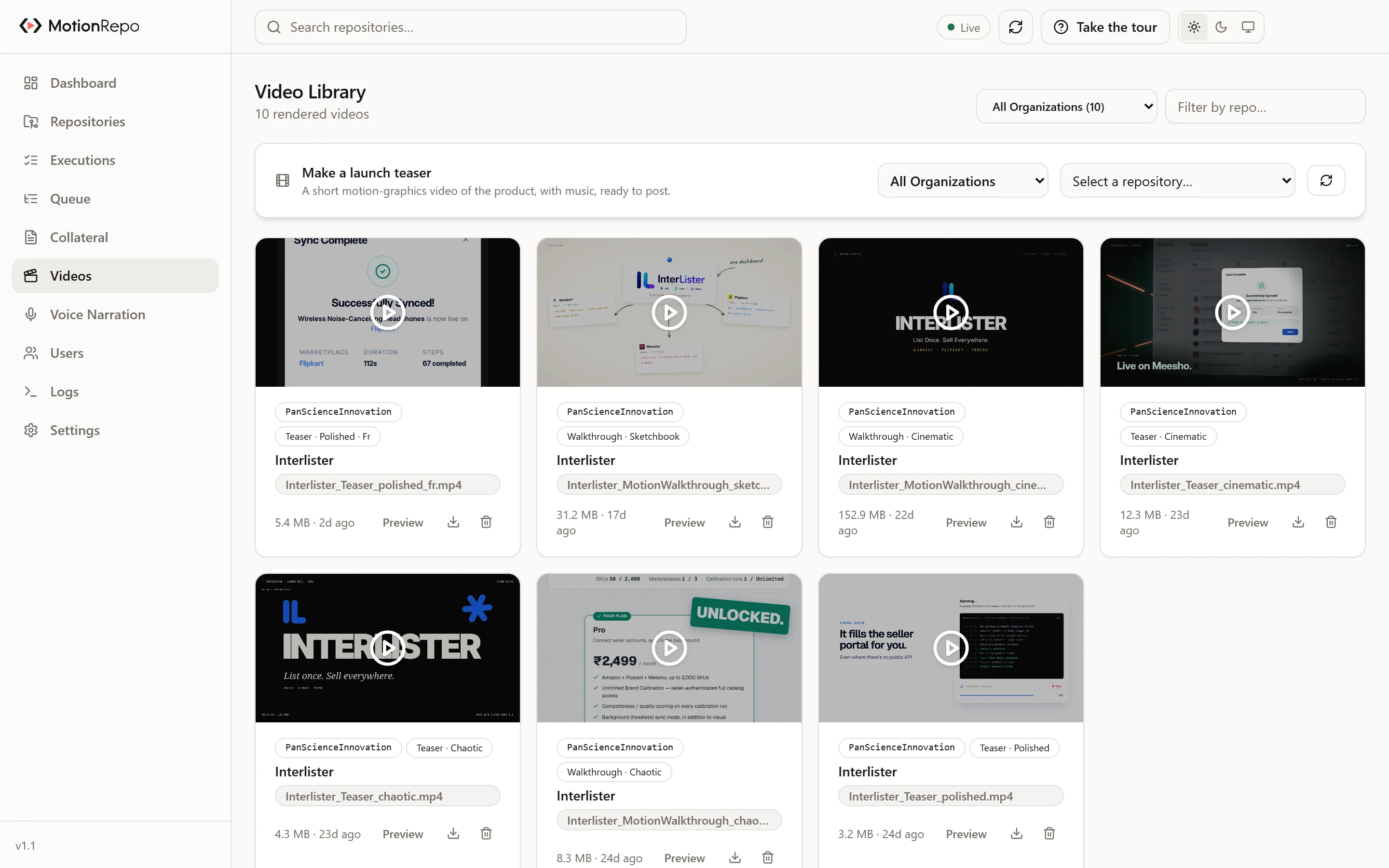
The video lands in your dashboard with a poster frame and a short post to go with it. Download it and post it, or write a note such as "slower, and show the pricing page" and the same video is revised rather than made again.
The previous version is kept, so one click puts it back. The first three revisions of a video are free. How to give feedback on an AI video shows notes that work.
07
Questions
Do I need to write a script?
No. The script is written from the code. You can add a direction of up to 6,000 characters to steer what it shows and says.
Can I make a launch video from a private repository?
Yes. Install the MotionRepo GitHub app on it. MotionRepo copies the repository to read it and never writes to it.
How much does a launch video cost?
A teaser is 2 credits and a walkthrough 3 to 6 by length. The free trial includes 6 credits; Starter is ₹3,199 a month with 15 credits.