Short answer
Sales collateral written from code is a customer-facing document made by reading the repository instead of a brief. MotionRepo’s sales PDF says what the product does, who it is for and how it works, with each capability traced to files in the code. Limitations, risks and work that only exists on feature branches are removed before the AI writes anything.
Key points
- The sales PDF is written from what the code does, not from what someone remembers it doing.
- Each capability it lists is tied to evidence in the repository.
- Limitations, engineering risks, technical debt and branch-only work never reach the AI that writes it.
- The sales and technical PDFs together cost 1 credit, and can be written again when the code changes.
01
What is sales collateral written from code?
Sales collateral is anything a customer reads before they buy: a one-pager, a product overview, a deck. It is usually written by hand from a brief, a demo and a few conversations with the people who built the product.
Collateral written from code starts somewhere else. MotionRepo reads the repository first: its screens, routes, modules, API and README. It writes down what the product does and who it is for, and only then writes the document a customer will read. The result is a sales PDF that describes the product as it is on the main branch today.
02
What is in the sales PDF?
The sales PDF follows the order a buyer asks questions in: why should I care, what is it, how does it work, and what do I do next.
- A cover with the product’s headline and a tagline.
- The problem it solves and what people in that situation need.
- The idea behind the product, in a few pillars, each backed by evidence from the code.
- How it works, step by step.
- Its capabilities, each with the files that show it exists.
- What sets it apart: the design choices that make it different, and what each one means for a customer.
- A showcase of the main features, the technology underneath, and use cases by scenario and by who benefits.
- Ways to extend it, and next steps for getting started.
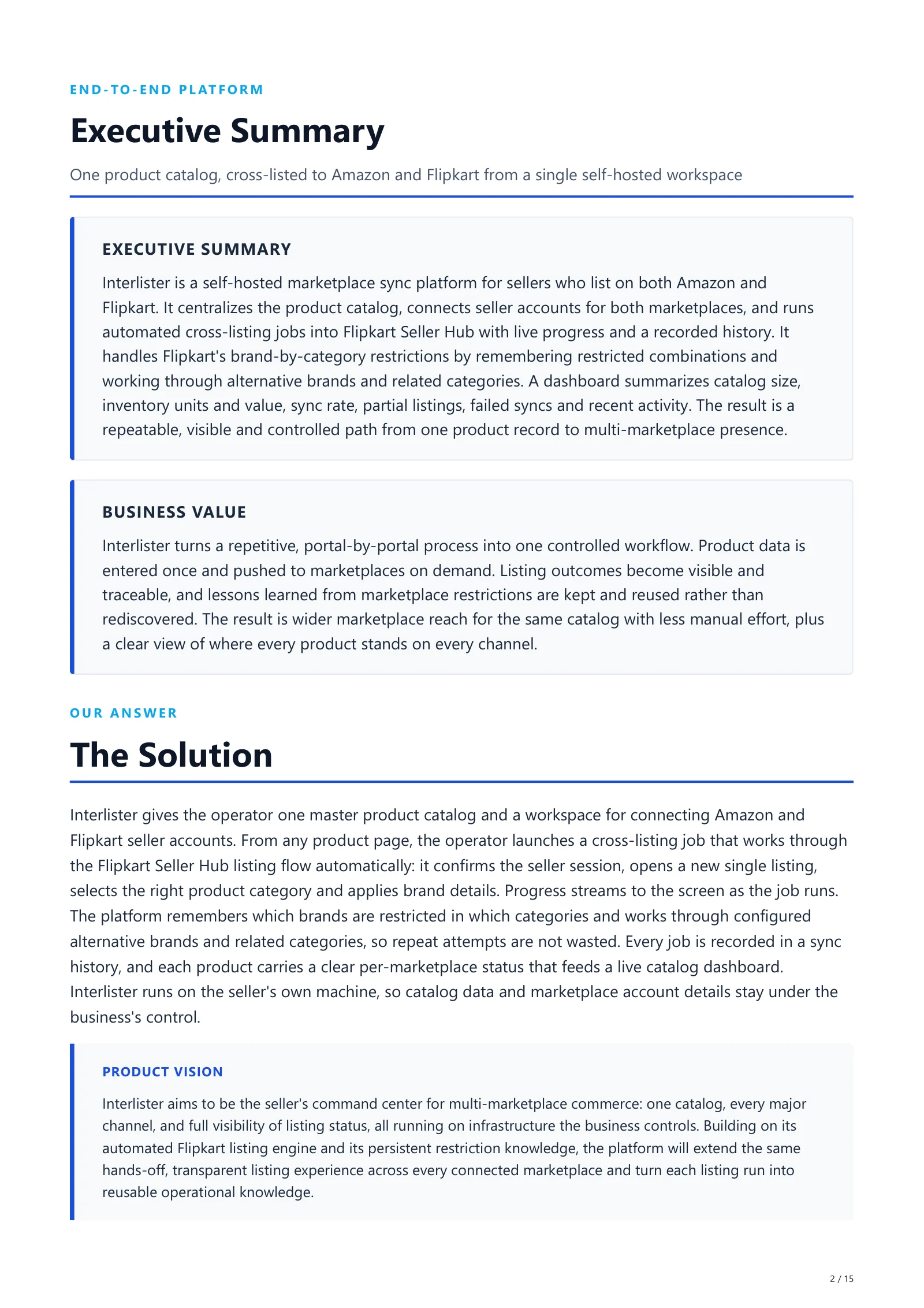
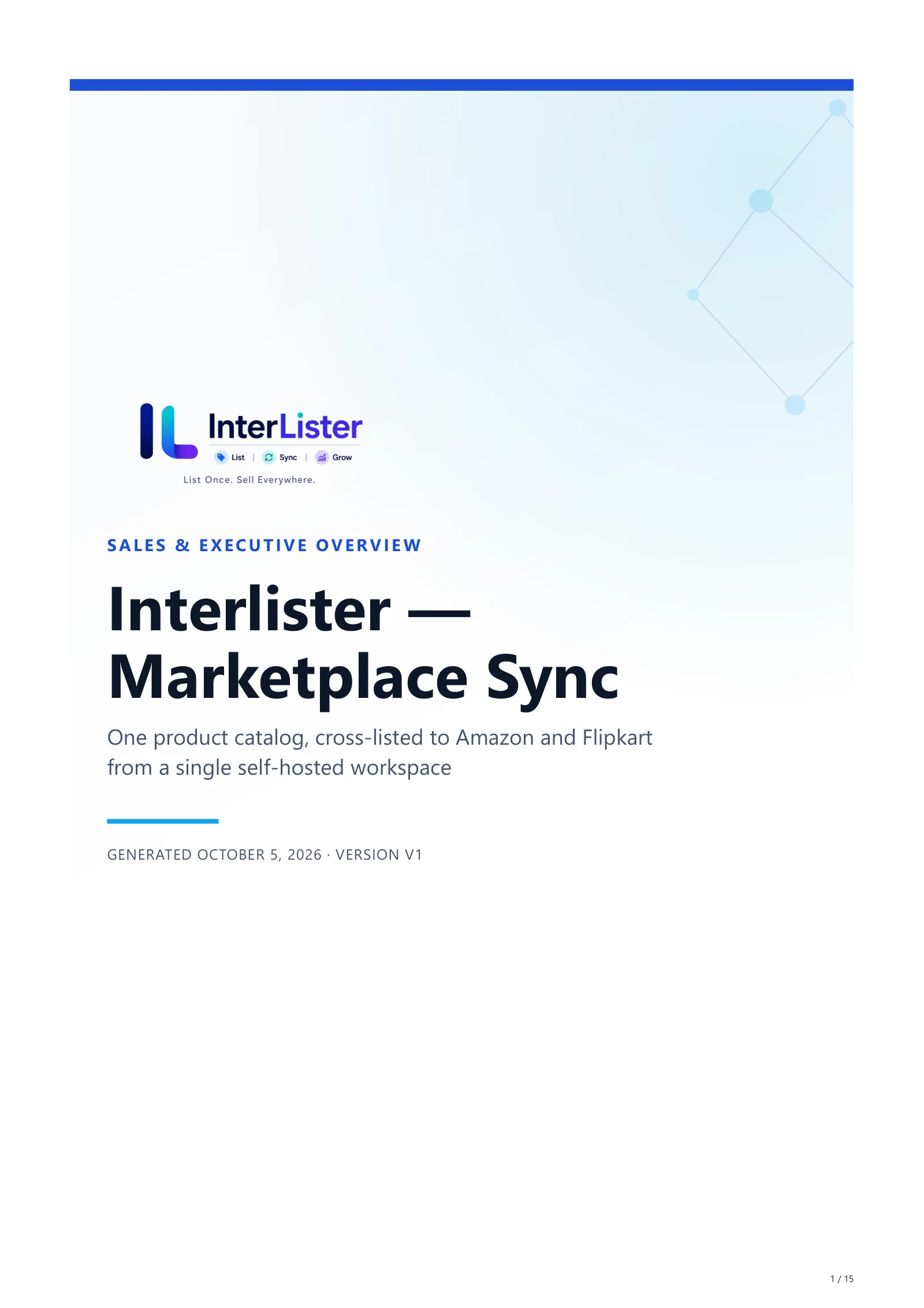
You can see a real example on the use cases page: the first page of the sales PDF MotionRepo wrote for Interlister.
03
Why are limitations left out of the sales PDF?
A customer-facing document should describe what a customer can use today. So before the AI writes the sales PDF, MotionRepo removes material that does not belong in front of a buyer.
- The known limitations and assumptions found in the code.
- Engineering risks and technical debt from the design assessment.
- Capabilities that exist only on feature branches and have not been merged.
- Planned capabilities: empty packages and promises that are not built yet.
The AI never sees these, so it cannot mention them by accident. Nothing unshipped can reach a page. This is not hiding the truth from your team: all of it goes into the technical PDF, which is written for the people who build and run the product.
The design choices behind the product do reach the sales PDF, because they are what makes it different. Their trade-offs stay in the technical PDF.
04
Why does it beat a hand-written one-pager?
A hand-written one-pager is accurate on the day it is finished. Then the product changes and the document does not, because nobody owns updating it. Sales keeps sending it, and customers read about last quarter’s product.
| Hand-written one-pager | Sales PDF from the code | |
|---|---|---|
| Source | A brief, a demo, memory | The repository itself |
| Claims | Whatever was remembered | Tied to files in the code |
| Unshipped work | Easy to include by mistake | Removed before writing |
| When the product changes | Someone has to notice and rewrite it | Written again on Regenerate or on a push |
Writing it again is cheap, so keeping it current stops being a project. How to keep sales docs up to date covers the options.
05
How do you get a sales PDF for your product?
- 1Sign in with GitHub and install the MotionRepo app on the repository. Private repositories work too.
- 2MotionRepo reads the code and writes down what the product does.
- 3It writes the sales PDF and the technical PDF together, for 1 credit.
- 4Download them from your dashboard and send them yourself.
Parts of your code are sent to Claude, Anthropic’s model, to write the documents. Document sessions get no tools at all: they read what they are given and write text. Where your code goes has the details.
06
Questions
Will the sales PDF mention features that are still in development?
No. Work that exists only on feature branches and planned capabilities are removed before the AI writes the sales PDF.
How much does a sales PDF cost?
The sales and technical PDFs are made together for 1 credit. The free trial includes 6 credits.
Does MotionRepo send the PDF to customers?
No. The PDF lands in your dashboard. You download it and decide who gets it.