Short answer
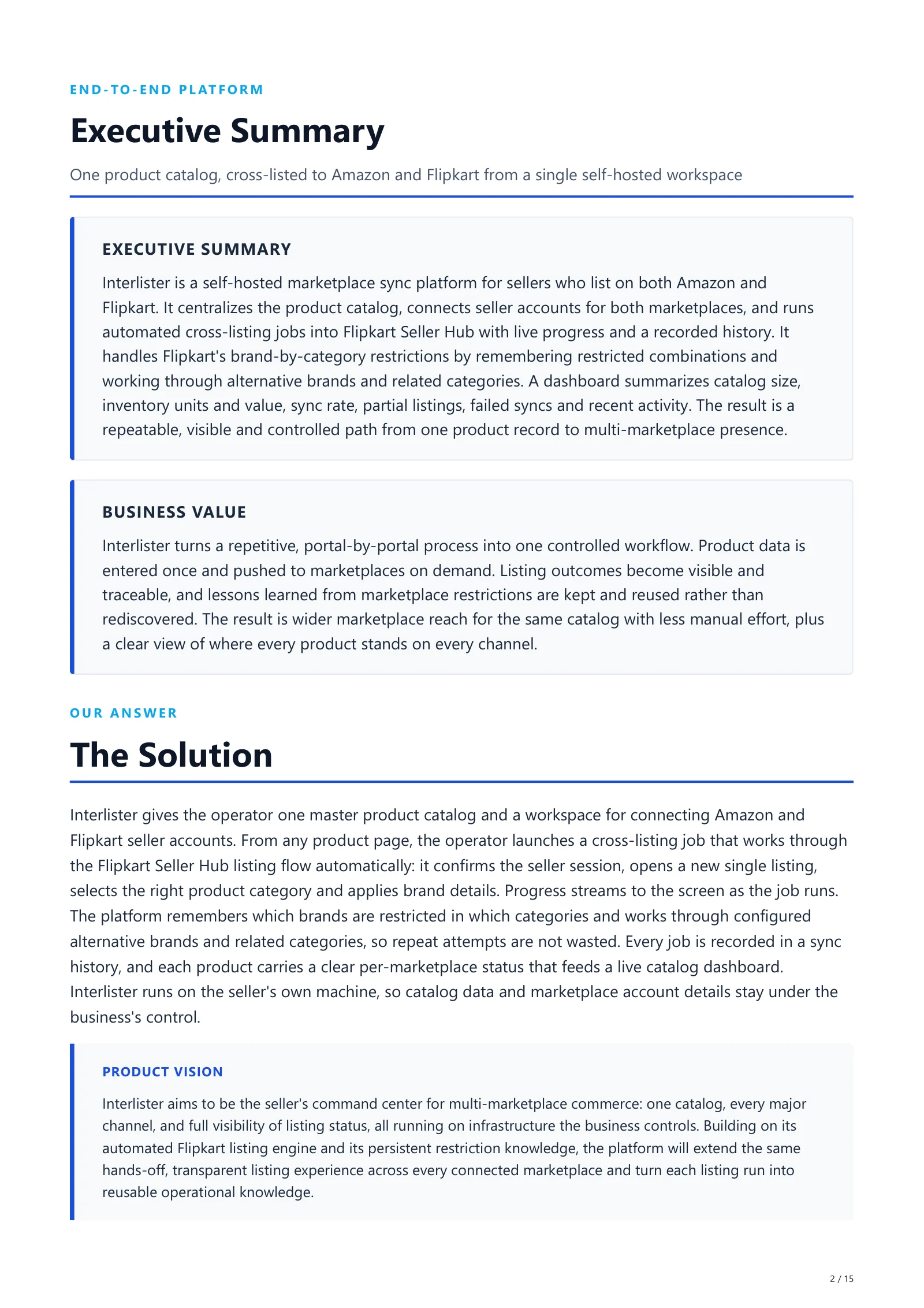
MotionRepo reads a GitHub repository and writes a technical PDF for the people who build and run it. It covers the architecture with diagrams, the API endpoints, how data moves, testing, deployment readiness, security status and known issues with a suggested direction for each. It is written from the code, so it describes what is there, gaps included.
Key points
- The technical PDF is internal: it is for onboarding, handovers and reviews.
- It covers architecture, API, data flow, reliability, security, testing, deployment and known issues.
- Unlike the sales PDF, it includes limitations, risks, technical debt and feature-branch work.
- It is written together with the sales PDF, for 1 credit.
01
What is the technical PDF?
It is an internal guide to a codebase: how it is built, how it runs and what to watch out for. MotionRepo writes it from the repository, so it describes the code that exists rather than the design someone intended.
It is meant for the people who work on the product, not for customers. That is why it is honest about gaps. The sales PDF is the customer-facing counterpart.
02
What does the technical PDF cover?
| Part | What it covers |
|---|---|
| Overview | What the system does, and what is in and out of scope |
| Architecture | Components and where each lives, the flows between them, with diagrams |
| Stack and layout | The role of each technology, and notes on the folder tree |
| Lifecycle and data flow | What happens at startup, and how data moves through the system |
| Subsystems and API | Each subsystem in turn, and the API endpoints with their purpose |
| Interfaces and data contracts | External interfaces, data models and their fields |
| Reliability and security | Concurrency, error handling, and a status for each security area |
| Testing and performance | The test command, what is covered and what is not |
| Deployment | Requirements, readiness by dimension, and a verdict |
| Issues and extensions | Known issues by severity with a direction, and where to extend it |
| Reproduce | Steps to get it running |
03
How is it written from the code?
First MotionRepo reads the repository and builds up what it knows about it: the modules and what each is responsible for, the routes, the API endpoints, the dependencies, the README, the run scripts and container files. It also asks itself questions about the code and answers them from the files, keeping track of which files each answer came from.
For the technical PDF it adds what a customer would never need: the security and configuration findings, limitations and assumptions, the example environment file, the test files, the folder tree, feature branches, and an assessment of design decisions, engineering risks and technical debt.
Then the document is written in parts from that material. Document sessions get no tools: they cannot browse, run code or reach the network. They read what they are given and write text. Where your code goes explains what is sent and what is kept.
04
Who is it for?
- New engineers, who need the shape of the system before they read its code.
- Teams taking over a codebase, from another team or from an agency.
- Reviewers and partners who need to know how it works and what its gaps are.
- Developer relations, alongside a walkthrough made from the same code.
For more on the first of these, see what developer onboarding docs should cover.
05
What should you still check yourself?
The PDF is written by an AI from the code, so read it before you rely on it. It states what it found, including gaps, and each capability is traced to files. But it can only describe what is in the repository. Decisions made in meetings, plans that live in a tracker and context that never reached the code are not in it.
When the code changes, write it again rather than editing an old copy. On Starter and Pro it can be written again on every push to main, if you turn it on. See stays up to date.
06
Questions
Does the technical PDF include diagrams?
Yes. The architecture section includes diagrams of the components and the flows between them.
Is the technical PDF safe to send to customers?
It is written for your team. It lists limitations, risks and technical debt, so most teams keep it internal and send the sales PDF instead.
Which languages and frameworks does it work with?
It reads whatever is in the repository. How much it can say depends on how much the code, README and scripts show.