Short answer
Use a screen recording when you need to show exactly what happens in the live product, step by step, for a support article or a quick internal demo. Use a motion walkthrough when the video represents the product to people who have not used it yet: on a landing page, in a launch or on a sales call.
Key points
- A screen recording is fast to make and shows the live product exactly as it behaves.
- A motion walkthrough controls pace, readability and focus in every scene.
- Screen recordings must be filmed again when the product changes; a walkthrough can be made again from the new code.
- Support content suits screen recordings; launch and sales content suits motion walkthroughs.
01
What is the difference?
A screen recording captures the product while someone uses it. What you see is what happened: every click, every wait, every scroll. A motion walkthrough is designed. The product’s screens are rebuilt as motion graphics, and every scene is planned: what the viewer looks at, for how long, and what comes next.
Neither is better in general. They are good at different jobs.
02
How do they compare?
| Screen recording | Motion walkthrough | |
|---|---|---|
| Accuracy | Exactly what the live product does | The real screens and copy, staged for clarity |
| Pace | Set by the person clicking, waits included | Planned scene by scene |
| Readability | Small UI text, often at full-screen size | Zooms and holds on what matters |
| Focus | Everything on screen at once | One idea per scene |
| When the product changes | Film it again | Make it again from the new code |
| Effort without a tool | Low | High: design, animation and editing |
03
When is a screen recording the right choice?
Record the screen when the viewer needs to repeat what they see, click for click.
- Help articles and support replies: “here is where the setting is”.
- Bug reports and internal reviews, where the exact behaviour is the point.
- Quick updates to your own team, where polish does not matter.
In these cases the waits, the cursor and the real data are useful. They prove the steps work.
04
When is a motion walkthrough the right choice?
Design the video when it speaks for the product to people who have not used it: a launch, a landing page, a sales call, an investor update. Here a recording’s weaknesses show. Small text is hard to read on a phone, loading states eat seconds, and the most important click is the same size as every other.
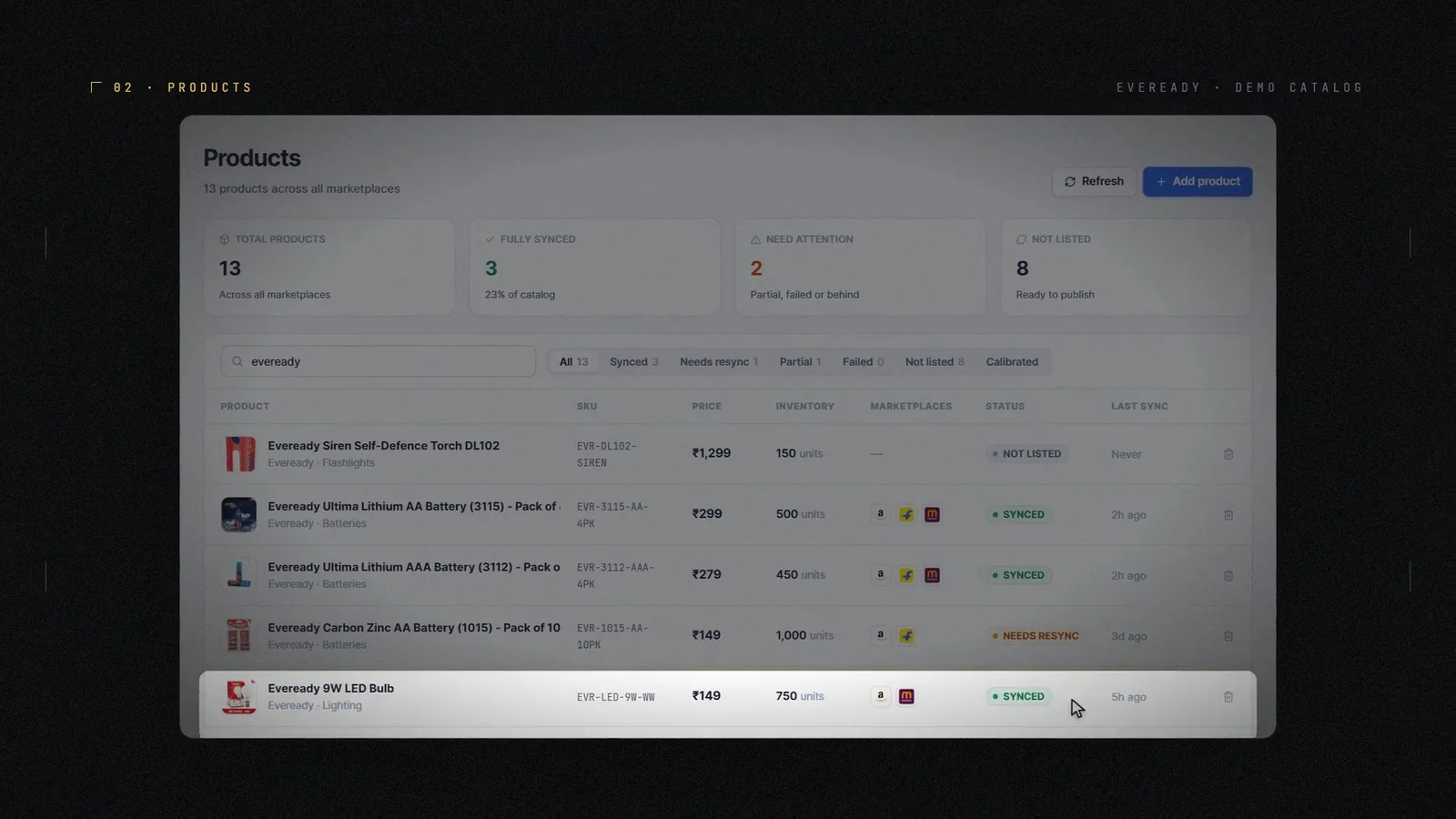
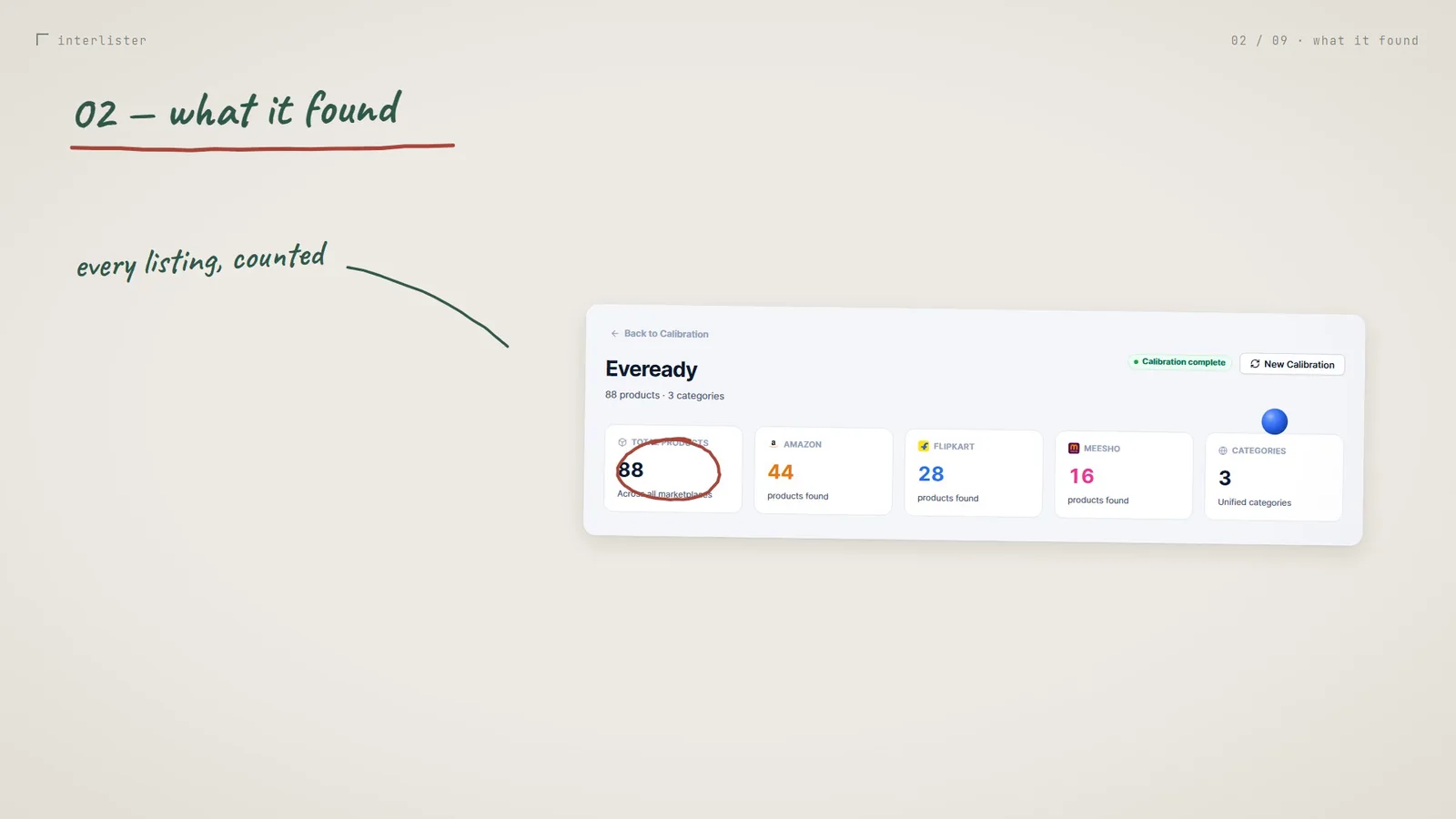
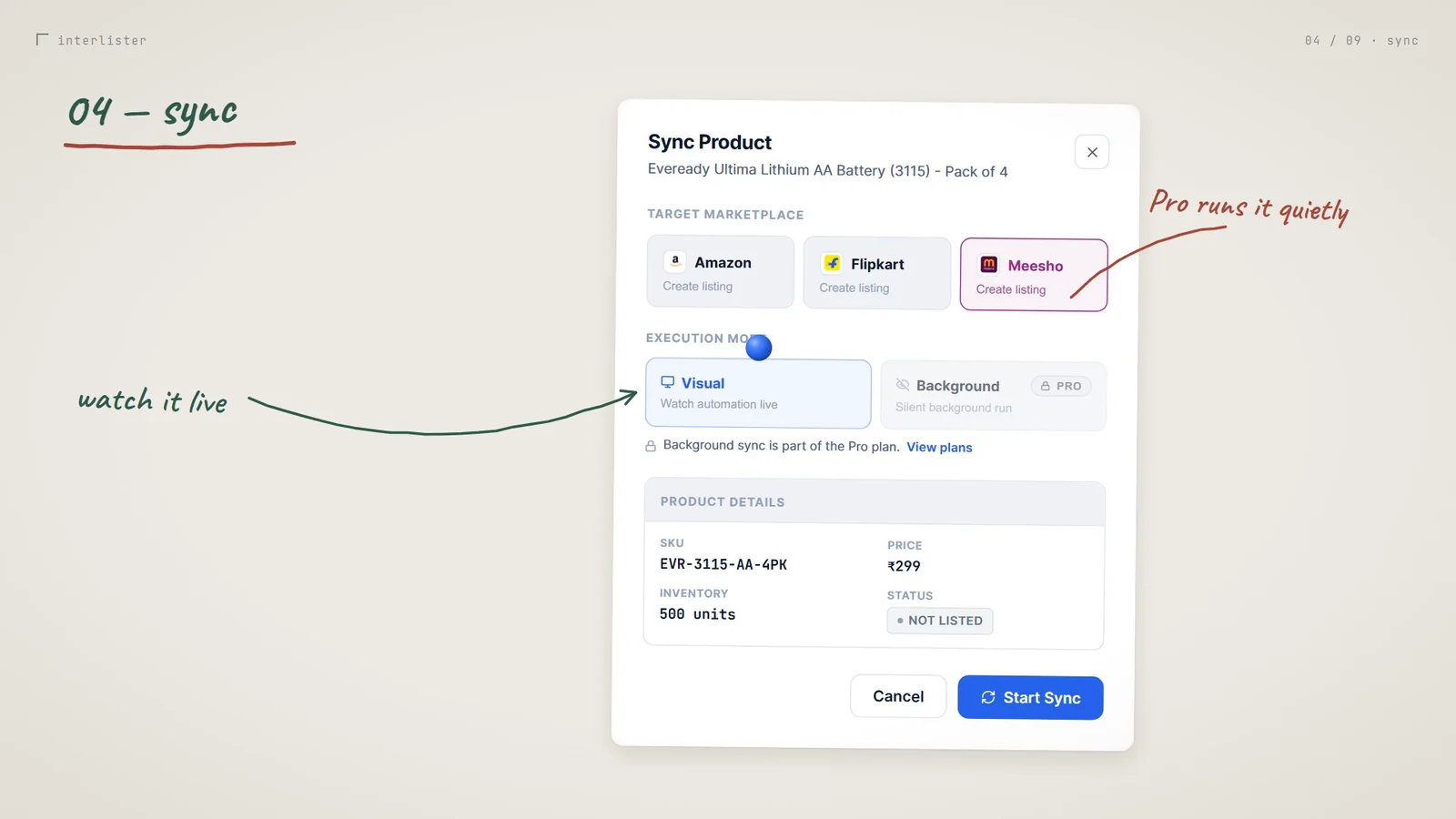
A walkthrough fixes these by design. It can push in on the one field that matters, show a result arriving without the wait, and hold a line on screen long enough to read. Because MotionRepo builds it from the repository, it still uses the product’s real screens, components and words, not a mock-up.
05
Which is easier to keep up to date?
Products change, and product videos go stale. A screen recording has to be filmed again, usually by the person who made it, with the same window size and test data. A designed walkthrough made by hand is even harder to update.
A walkthrough made from code avoids both. When the product changes, make a new one from the new branch, or revise the current one with a note such as “show the new filters in the second chapter”. The previous version is kept so you can go back.
06
What about the voice?
A recorded demo is usually narrated live, with pauses and restarts, or recorded again afterwards. A motion walkthrough can be timed to its voice: the script is written for the scenes, recorded, and the scenes are timed to the recording. MotionRepo also checks the voice timing on every video before it is published. See AI voiceover for product videos.
07
Questions
Is a motion walkthrough accurate to the real product?
MotionRepo builds it from the repository, so it uses the product’s own screens, components and copy. It is staged for clarity, so it does not include waits or loading states.
Should support videos be motion walkthroughs?
Usually not. When a viewer needs to repeat the exact steps, a screen recording of the live product is clearer.
Which one is better for a landing page?
A motion walkthrough. It controls pace and readability, and stays legible on a phone.