Short answer
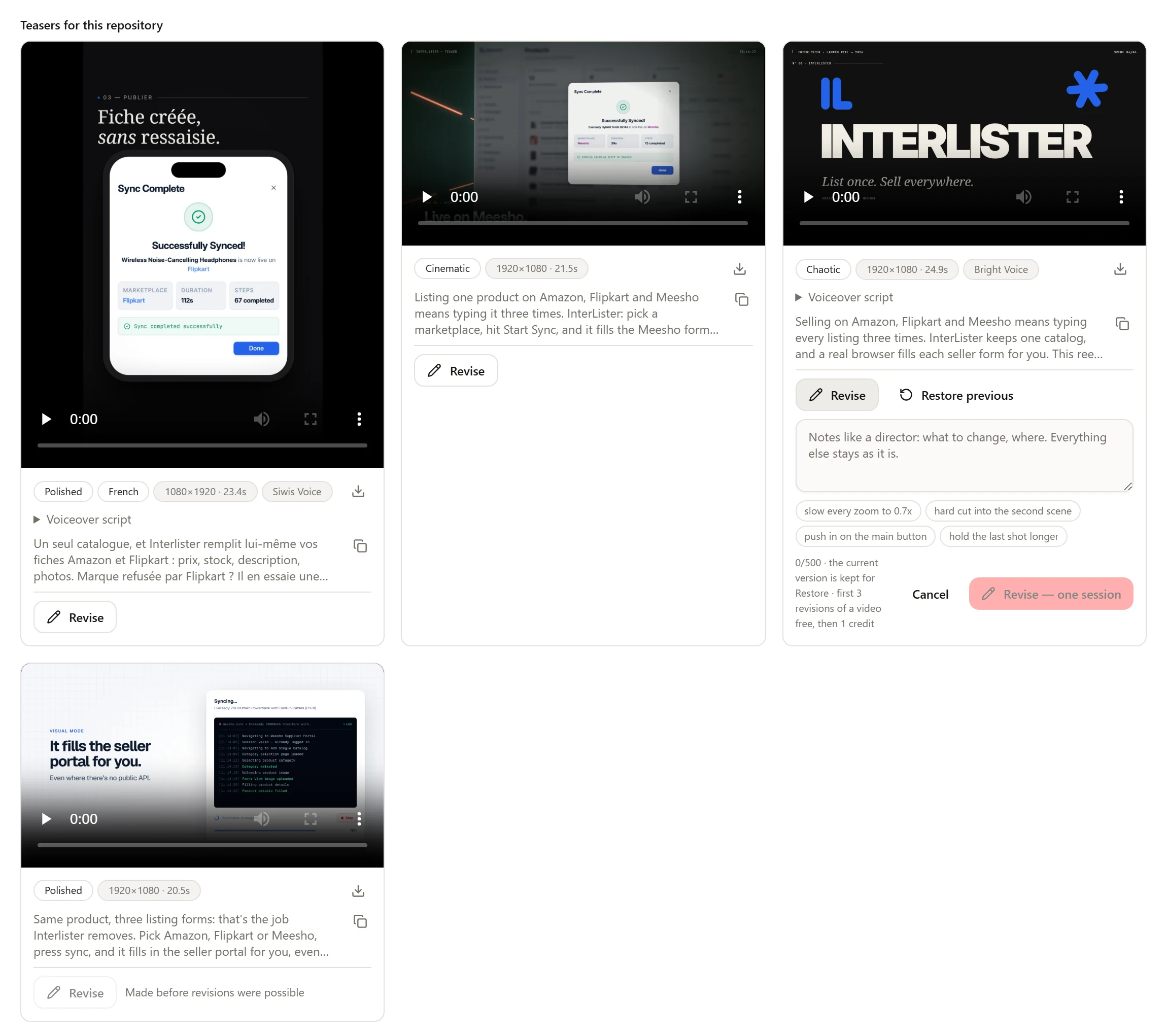
MotionRepo can narrate a teaser or walkthrough in one of five English voices, American or British, or in a voice for one of 39 more languages. The script is written for the scenes, recorded, and the scenes are timed to the recording. Voice is optional and free: many short videos work better without one.
Key points
- Voice is optional and costs no extra credits.
- English has five voices, American and British; 39 more languages have their own voices.
- Scenes are timed to the recorded voice, and voice timing is checked on every video.
- Write for the ear: short sentences, one idea per line, numbers said the way people say them.
01
How does the voiceover get made?
The same AI session that plans the video writes the voice script, one line per scene or beat. Each line is recorded with the voice you picked, the length of every recording is measured, and the scenes are timed to those lengths. So the picture waits for the voice, rather than the voice being squeezed to fit the picture.
Music and sound sit under the voice, and lower while someone is speaking. Before the video is published, MotionRepo checks that the voice fits the scenes it belongs to, along with the size, length, sound and black frames. See quality checks for AI video.
02
Which voices are there?
For English there are five voices:
- Warm: American, close and even.
- Measured: British, unhurried and formal.
- Plain: American male, matter of fact.
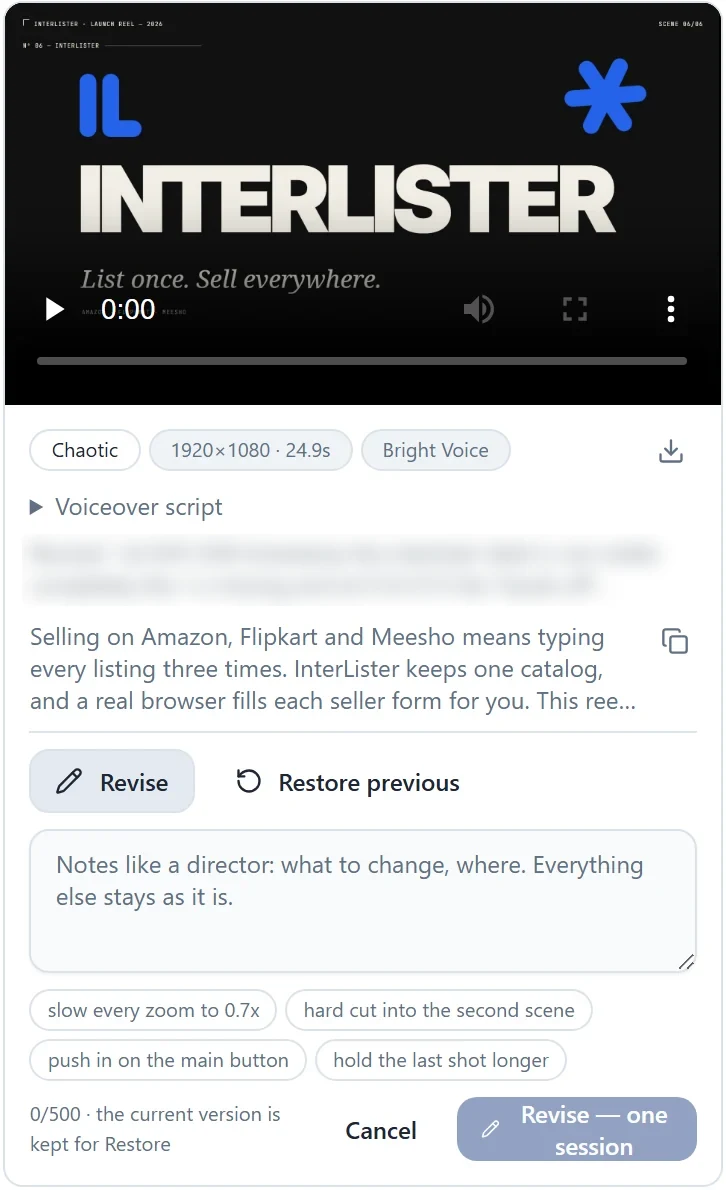
- Bright: American, lifted and energetic.
- Understated: British male, quiet and dry.
Beyond English, 39 more languages have voices, from Hindi, Telugu and Japanese to Spanish, German and Welsh. Product videos in other languages explains how those are written. Every voice and its open licence is listed on the credits page.
03
How do you write a script that sounds right?
MotionRepo writes the script, but your direction shapes it, and the same rules help when you revise one. Text written to be read rarely sounds good spoken.
- One idea per line. A listener cannot go back and re-read.
- Short sentences, in the order things happen on screen.
- Say numbers the way people say them: “about two minutes”, not “1:57”.
- Do not read out what the screen already says. Add what it does not.
- Match the voice to the tone: a dry voice for a deadpan video, an energetic one for a punchy teaser.
04
When is a product video better without a voice?
Many people watch product videos with the sound off, especially in social feeds. A video that relies on its voice loses those viewers. Go without a voice when:
- The video is a short teaser for social posts, where on-screen text and motion carry the message.
- It will play on a loop on a landing page.
- The audience speaks many languages and you want one video for all of them.
Use a voice when the video explains something step by step, such as a longer motion walkthrough for a sales call or onboarding, or when the viewer is likely to listen.
05
Can you change the voice afterwards?
Yes. Write a revision note, for example “use the British voice, and slow the second chapter down”. If the note changes what is said, the lines are rewritten, recorded again and the scenes re-timed. The first three revisions of a video are free, and the previous version is kept so you can restore it.
06
Questions
Does voiceover cost extra?
No. Voice narration is free on every plan; you pay only the credits for the video itself.
Can I use my own recorded voice?
Not today. You can pick one of the built-in voices or make the video with no voice.
What happens if the voice does not fit the scenes?
Voice timing is one of the checks every video goes through. A video that fails it is not published, and the last good one stays up.